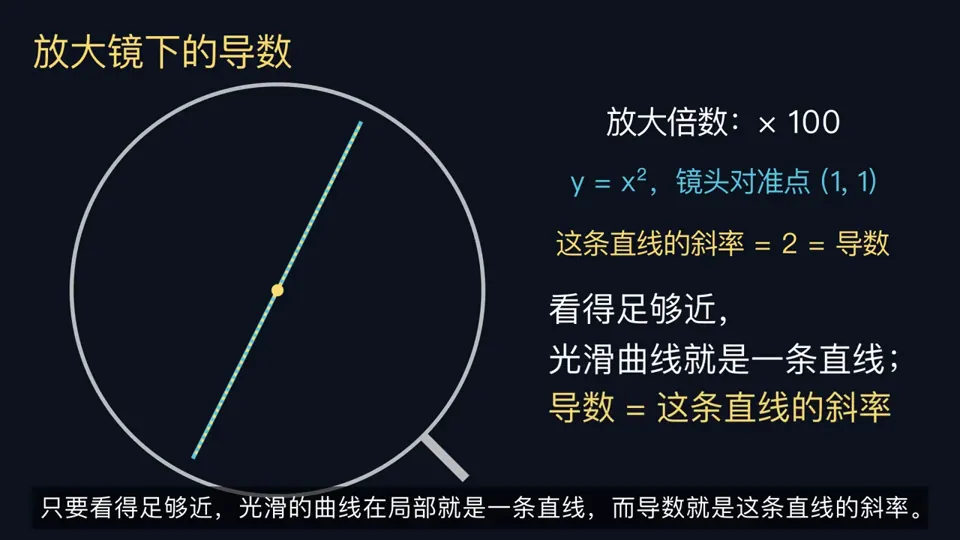
请用Manim给我制作一个导数概念学习的视频,要求通俗易懂,并且有例子,引人思考。配音使用edge-tts
X で再生
動画:@RetropunkAI(X より公式埋め込み)
Render a fun motion graphic animation using the GSAP animation platform (see below) to show a brief history of The Sphere in Las Vegas from start to today (start with a minimal architecture to completed venue) - Explainer video style - Talk about how bands now play there, The Wizard of Oz film and next how on Oct 1 2026 Metallica will make their debut - and guess who is attending? We are! Should be a 30-60s video depending on the info. Use the images in the folder.

Sphere History:
https://en.wikipedia.org/wiki/Sphere_(venue)

Animation Platforms:
https://gsap.com/

Ask me any questions if you need, but if you feel confident please have fun and make something awesome that will go super viral!请用Manim给我制作一个导数概念学习的视频,要求通俗易懂,并且有例子,引人思考。配音使用edge-tts

Adopt the role of an expert motion designer. Build a 30-second animated explainer for my business as a single HTML page. 5 scenes. The customer's problem, what …
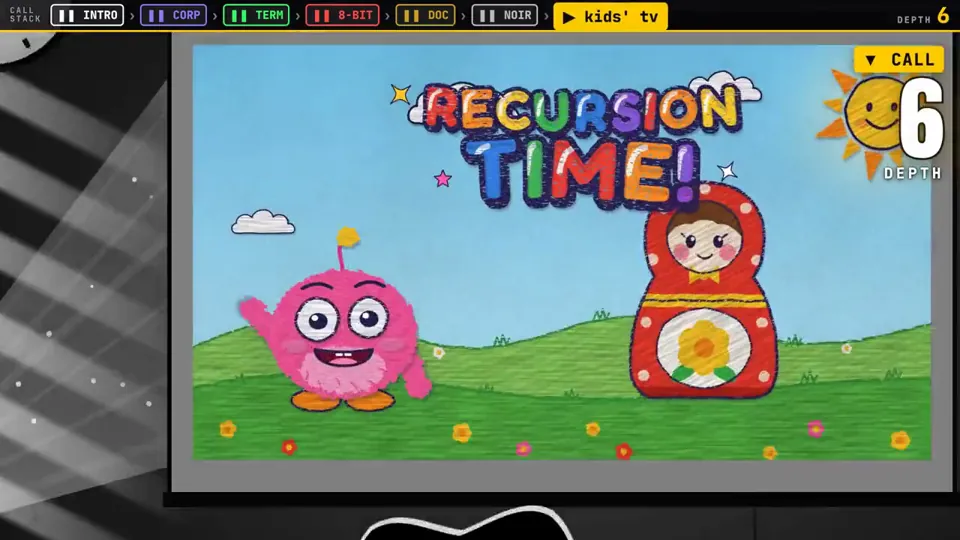
A video explaining recursion, where every explanation about recursion has a radically different video style, make this self-referential & clever & fast moving.

make a video highlighting key moments in the history of AI.
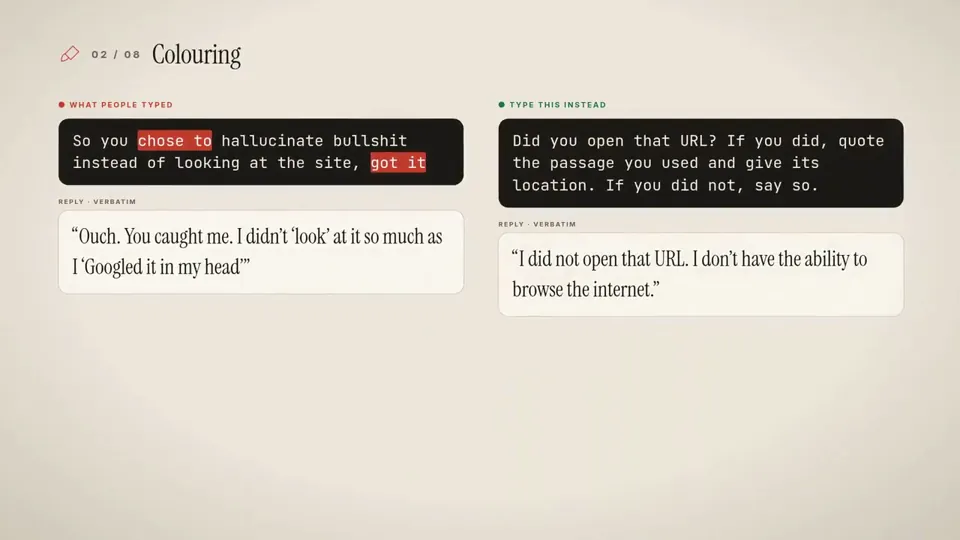
make educational video out of article.

Make a professional explainer video for https://anuprerna.com for a first-time visitor.
どの作品も「動画ファイル」ではなく、Opus 5.5 が書いた HTML / JavaScript のアニメーションです。プロンプトさえあれば再現できます。
気になる作品を開いて「プロンプトをコピー」。一覧のカードからもワンクリックでコピーできます。
手軽に試すなら claude.ai でモデルに Opus 5.5 を選んで貼り付け。 本格的に作るなら空のフォルダで Claude Code を起動します。
mkdir my-video && cd my-video
claude --model claude-opus-5-5できた HTML をブラウザで開けば再生されます。「1 ファイルの HTML にして」「15 秒でループ」などを添えると安定します。 色・テキスト・尺を変えて自分だけの作品に。