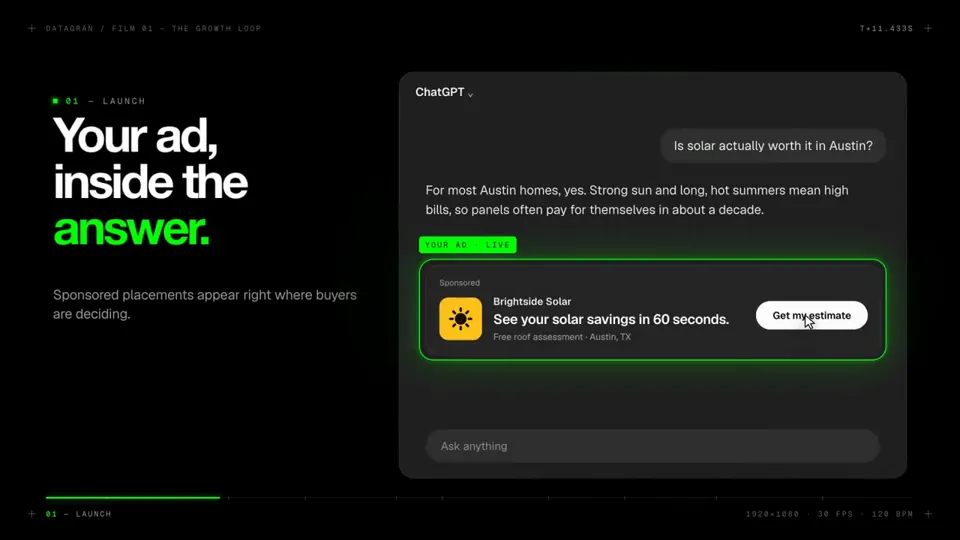
I Want you to make a modern slick and punchy video for http:// datagran.io with an example of a user creating a chatgpt ads campaign, then connecting their metr…
X で再生
動画:@emollick(X より公式埋め込み)
A video explaining recursion, where every explanation about recursion has a radically different video style, make this self-referential & clever & fast moving.I Want you to make a modern slick and punchy video for http:// datagran.io with an example of a user creating a chatgpt ads campaign, then connecting their metr…
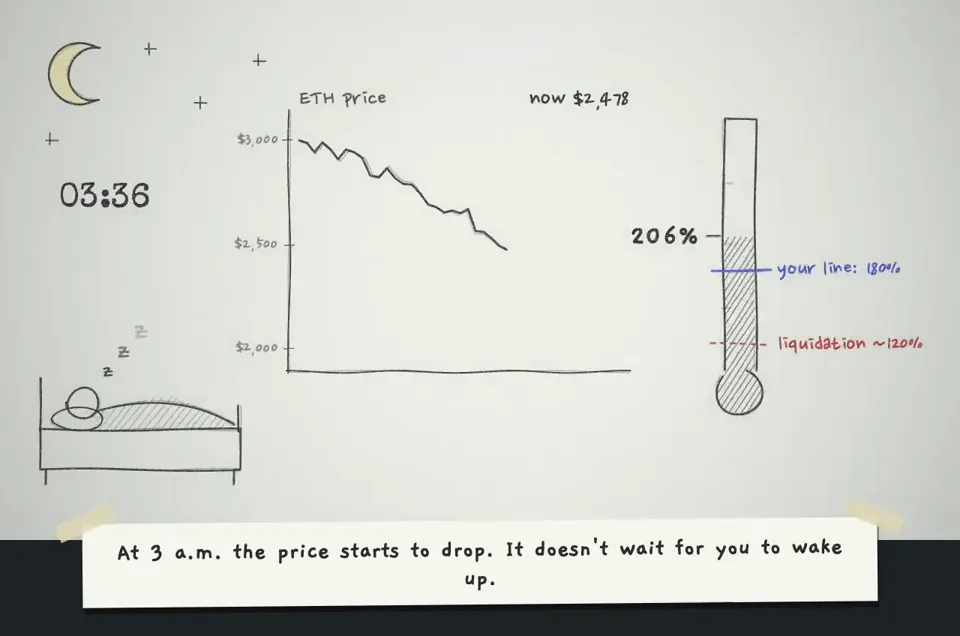
make a hand-drawn stop-motion animation; story: you're defi saver and explaining yourself in 1st person
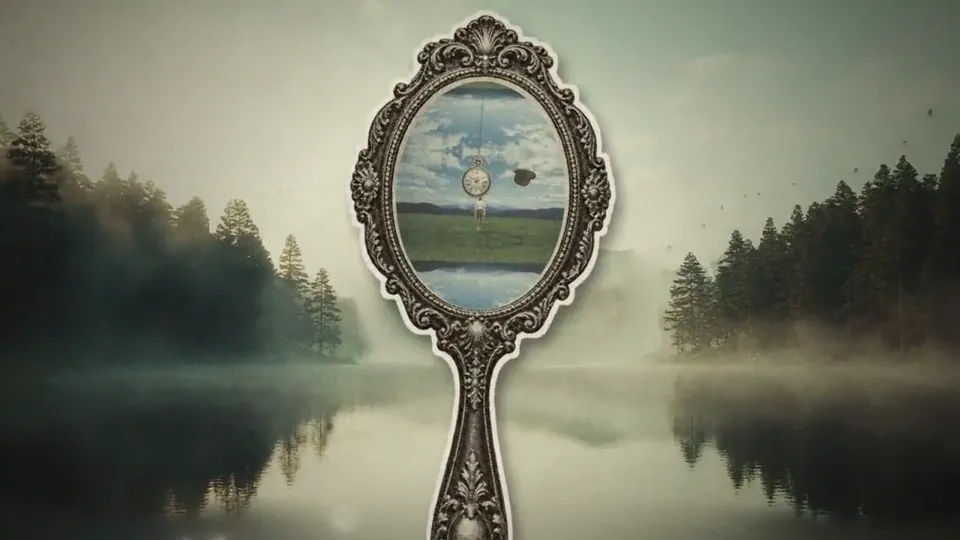
Build a looping "infinite zoom" animation, After Effects style: the camera travels from landscape to landscape by flying through vintage objects. LOOK: vintage …
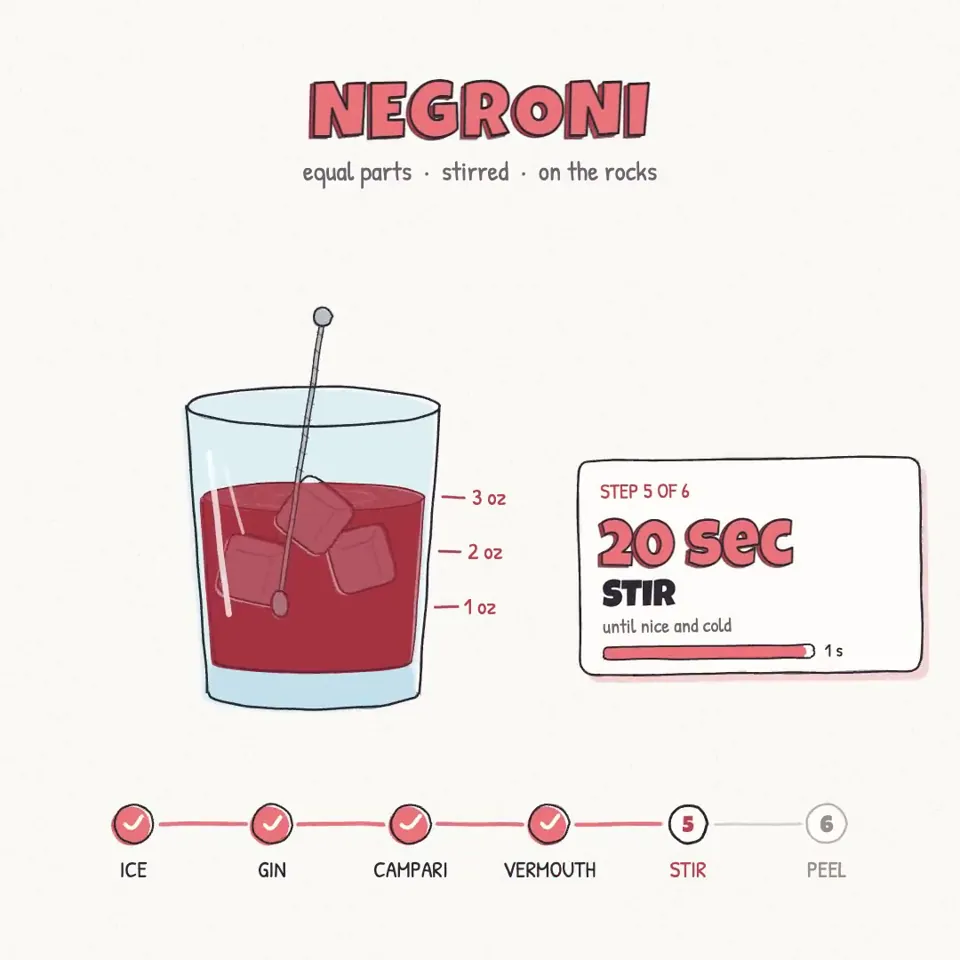
We're going to try a little test. Do you think you could render a recipe motion graphic animation using javascript or html (w/e you think will produce the best)…
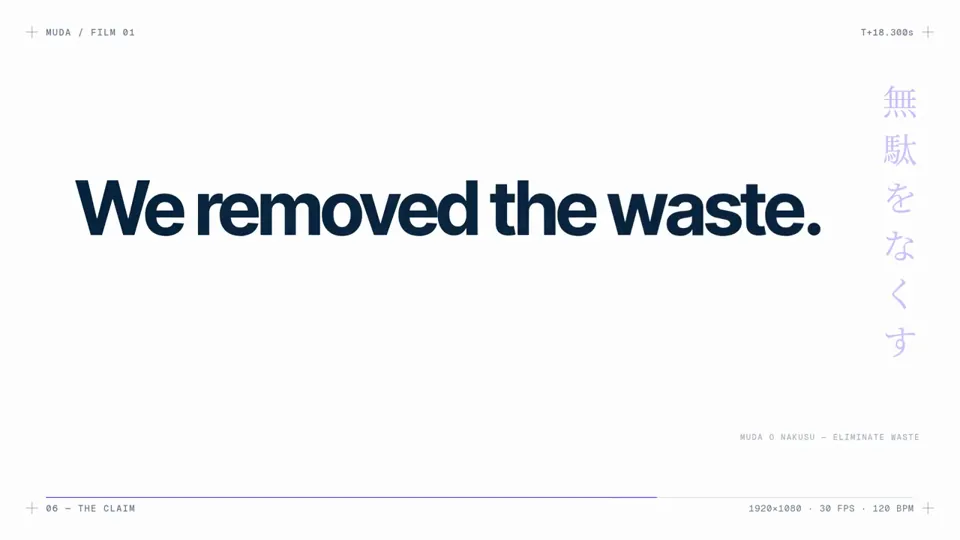
make a modern slick and punchy video for a modern startup that works on inference
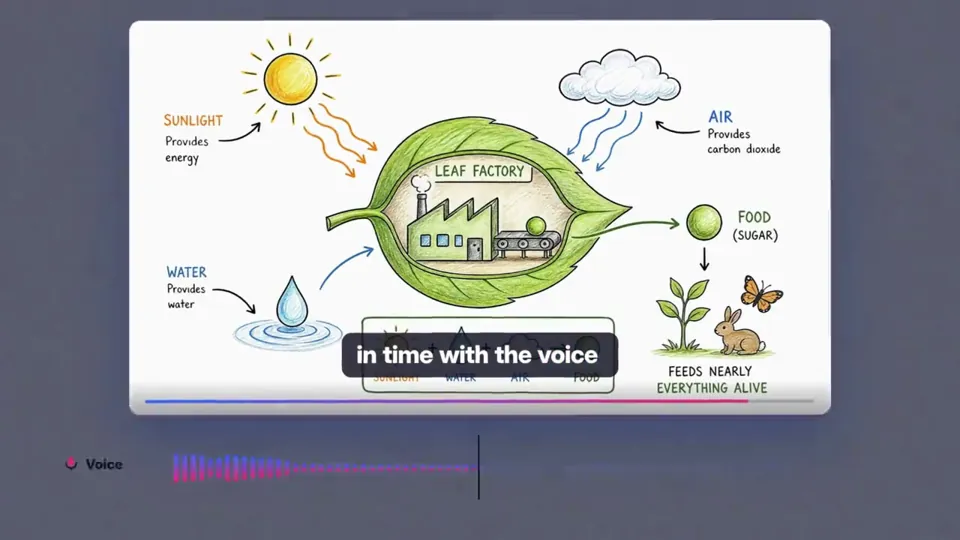
create best motion graphics explainer of the (your product) with very good script and good design colors and good music make sure the video should be incredible…
どの作品も「動画ファイル」ではなく、Opus 5.5 が書いた HTML / JavaScript のアニメーションです。プロンプトさえあれば再現できます。
気になる作品を開いて「プロンプトをコピー」。一覧のカードからもワンクリックでコピーできます。
手軽に試すなら claude.ai でモデルに Opus 5.5 を選んで貼り付け。 本格的に作るなら空のフォルダで Claude Code を起動します。
mkdir my-video && cd my-video
claude --model claude-opus-5-5できた HTML をブラウザで開けば再生されます。「1 ファイルの HTML にして」「15 秒でループ」などを添えると安定します。 色・テキスト・尺を変えて自分だけの作品に。