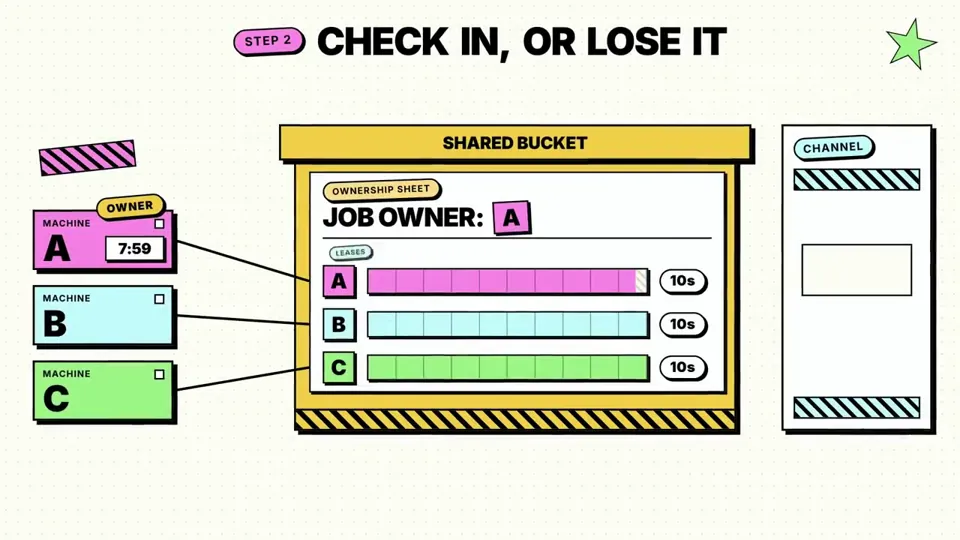
make me an animation to explain why celld earns its place.
X で再生
動画:@AmitSingha89(X より公式埋め込み)
Make a professional explainer video for https://anuprerna.com for a first-time visitor.make me an animation to explain why celld earns its place.
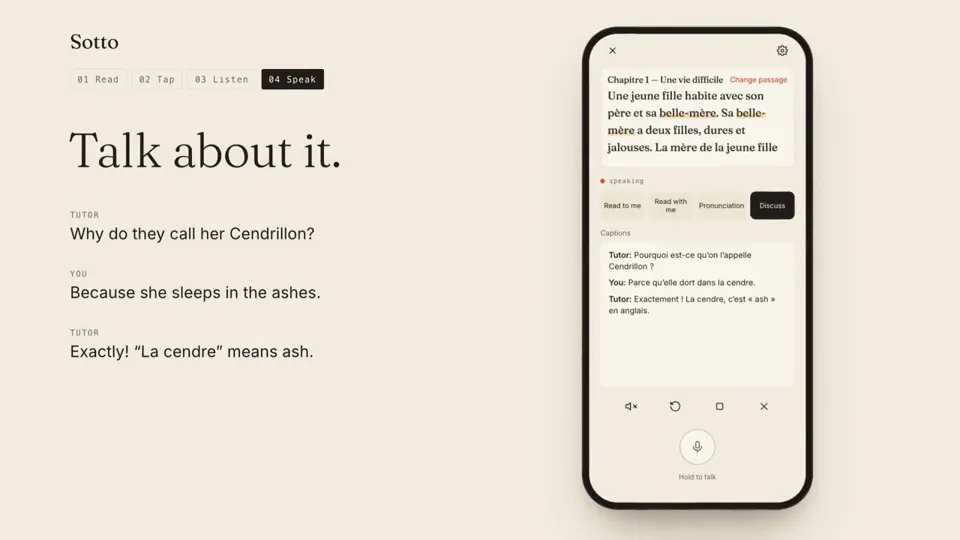
Make a 1-minute educational video about https://readsotto.app/ with synthesized voice narration.
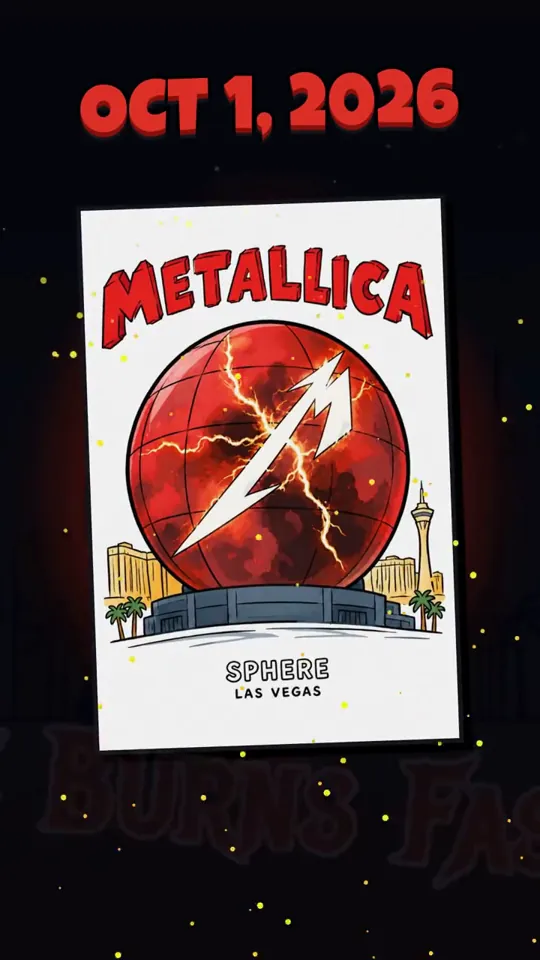
Render a fun motion graphic animation using the GSAP animation platform (see below) to show a brief history of The Sphere in Las Vegas from start to today (star…
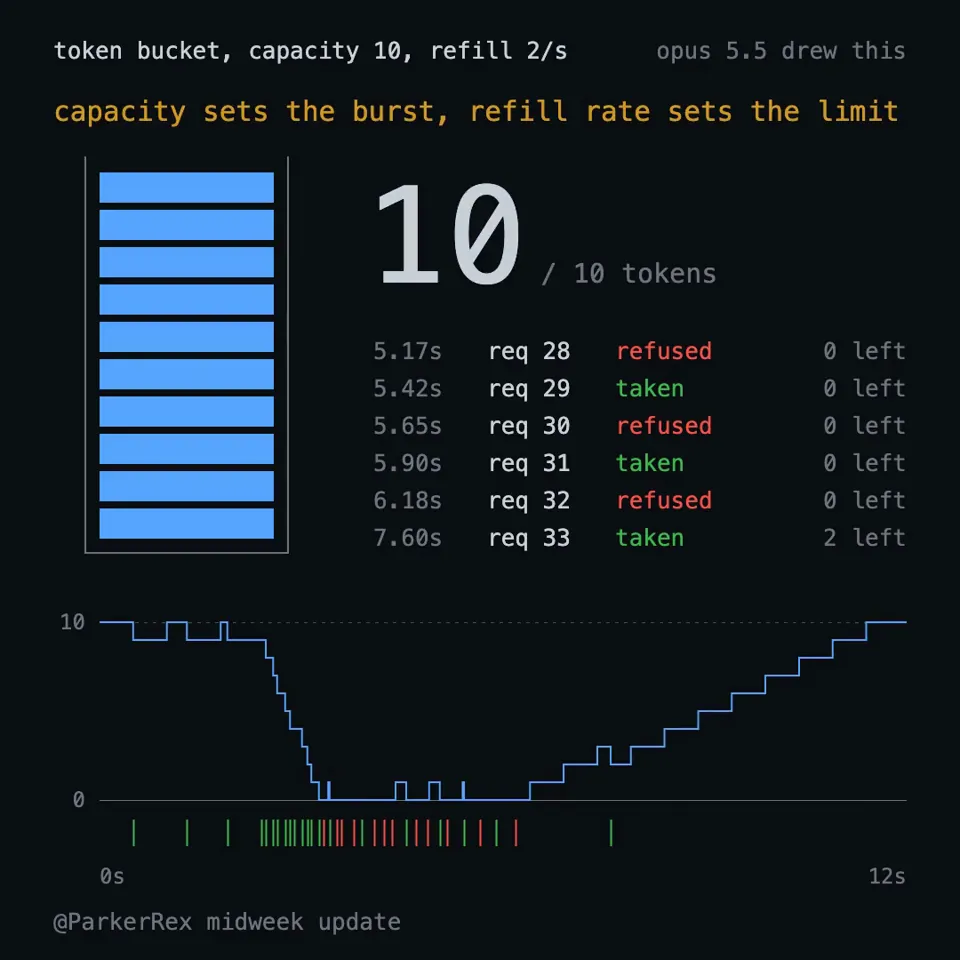
explain a token bucket rate limiter, canvas only, no libraries, every frame a pure function of time so my renderer can screenshot it.
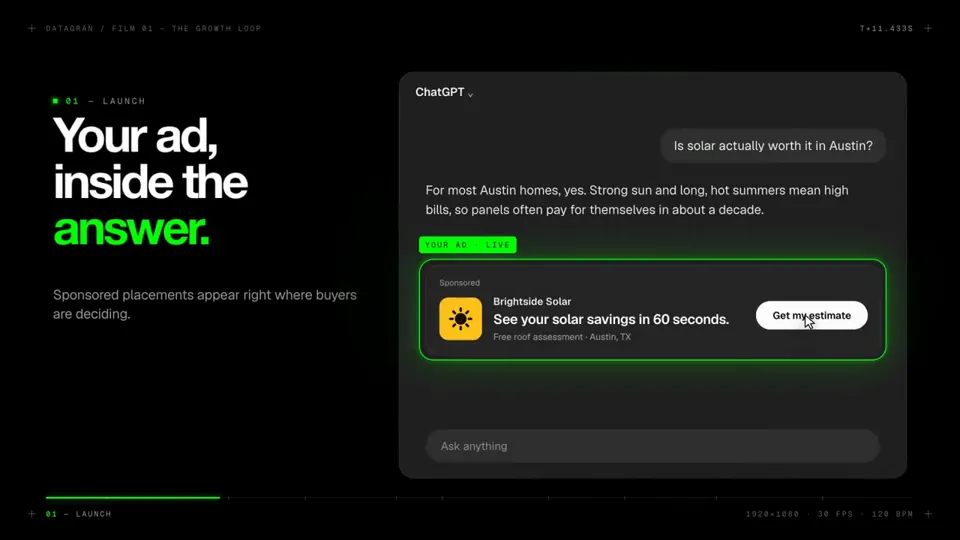
I Want you to make a modern slick and punchy video for http:// datagran.io with an example of a user creating a chatgpt ads campaign, then connecting their metr…
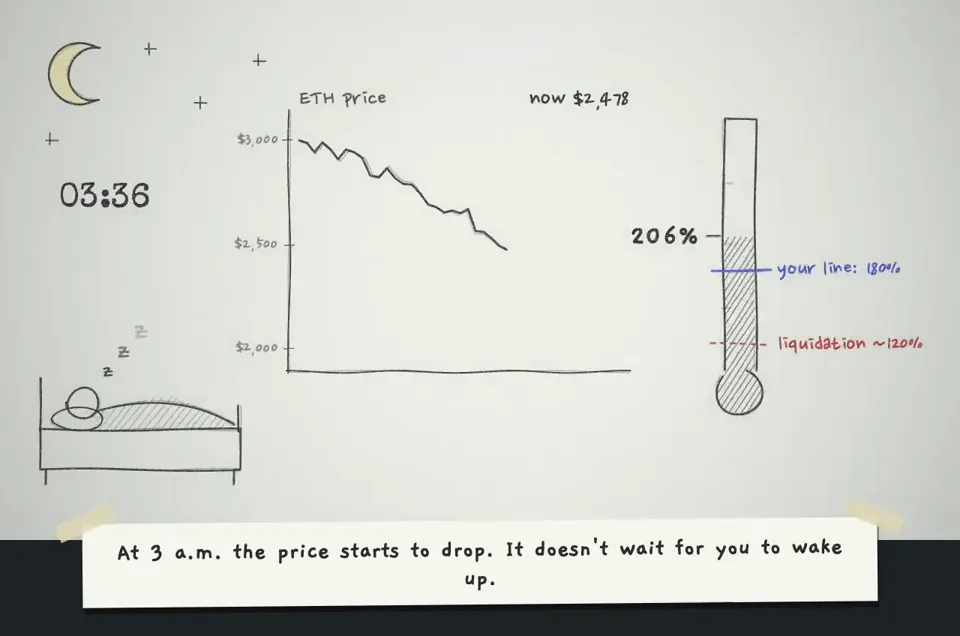
make a hand-drawn stop-motion animation; story: you're defi saver and explaining yourself in 1st person
どの作品も「動画ファイル」ではなく、Opus 5.5 が書いた HTML / JavaScript のアニメーションです。プロンプトさえあれば再現できます。
気になる作品を開いて「プロンプトをコピー」。一覧のカードからもワンクリックでコピーできます。
手軽に試すなら claude.ai でモデルに Opus 5.5 を選んで貼り付け。 本格的に作るなら空のフォルダで Claude Code を起動します。
mkdir my-video && cd my-video
claude --model claude-opus-5-5できた HTML をブラウザで開けば再生されます。「1 ファイルの HTML にして」「15 秒でループ」などを添えると安定します。 色・テキスト・尺を変えて自分だけの作品に。