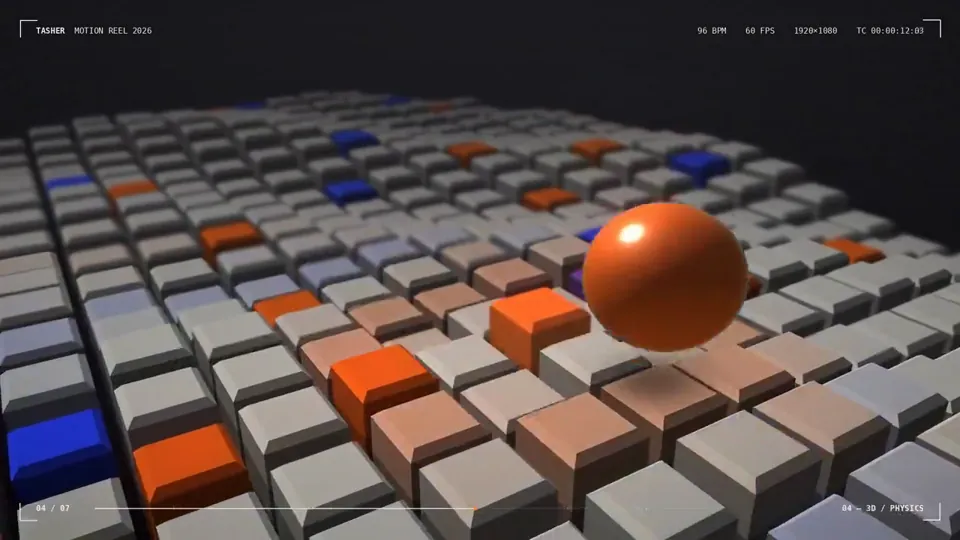
I’m curious to see how strong you are as a motion designer. To prove it, create a polished 15-second animated graphic video that showcases your motion design sk…
X で再生
動画:@anirockshady(X より公式埋め込み)
Create a 3D animation of a Path Points in this case ball reaching approximation from crest to trough. Discuss the type of ML algorithm gradient descent is. Also list major use cases.And trasition can be fade in fade out. Colour theory Volcanic Orange, Cyan and gradient of greyI’m curious to see how strong you are as a motion designer. To prove it, create a polished 15-second animated graphic video that showcases your motion design sk…

<inputs> Ask me for: the product name and a one-line promise, 3 to 5 UI moments to show, one accent color, 10 to 20 real vertical clips I own, and a royalty-fre…

<inputs> Ask me for: 8 to 12 UI states I want the shape to become (e.g. button, loader, player, slider, toggle, tabs, chart, command palette, toast), pure black…
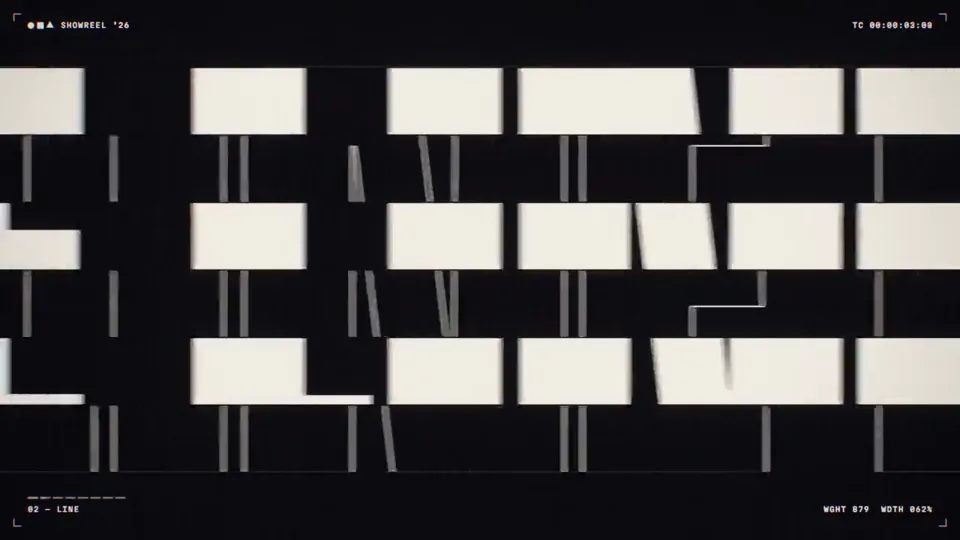
Create a bold, dynamic 15-second motion graphics showreel that feels like the ultimate portfolio piece of an exceptionally talented motion designer. Showcase a …

make a dynamic 15-second motion graphics video that shows what an incredible motion designer you are, like it's your showreel for a résumé. go all out.

Using the linked Figma frame build a badge unlock screen. Match the design exactly. Use the file's assets, lighting, type and layout and add only the motion. An…
どの作品も「動画ファイル」ではなく、Opus 5.5 が書いた HTML / JavaScript のアニメーションです。プロンプトさえあれば再現できます。
気になる作品を開いて「プロンプトをコピー」。一覧のカードからもワンクリックでコピーできます。
手軽に試すなら claude.ai でモデルに Opus 5.5 を選んで貼り付け。 本格的に作るなら空のフォルダで Claude Code を起動します。
mkdir my-video && cd my-video
claude --model claude-opus-5-5できた HTML をブラウザで開けば再生されます。「1 ファイルの HTML にして」「15 秒でループ」などを添えると安定します。 色・テキスト・尺を変えて自分だけの作品に。