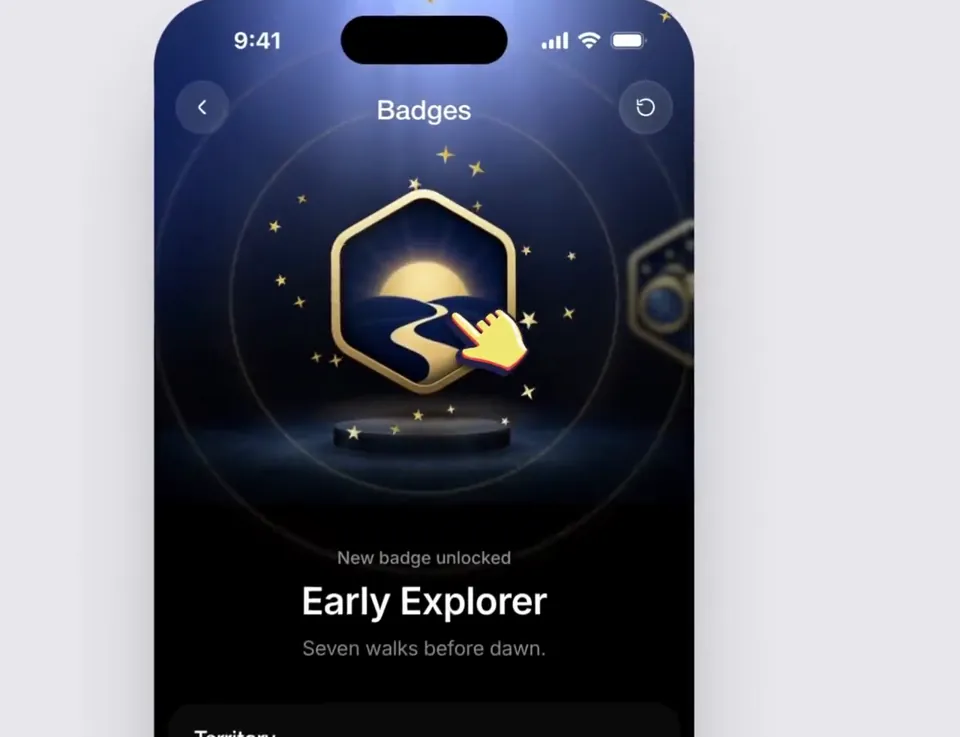
Using the linked Figma frame build a badge unlock screen. Match the design exactly. Use the file's assets, lighting, type and layout and add only the motion. An…
X で再生
動画:@lukasersil(X より公式埋め込み)
Create a bold, dynamic 15-second motion graphics showreel that feels like the ultimate portfolio piece of an exceptionally talented motion designer. Showcase a wide range of advanced techniques: kinetic typography, smooth transitions, 2D and 3D animation, abstract geometry, fluid simulations, particles, distortion, creative masking, compositing, lighting, depth, and seamless camera movement. Keep the pacing fast, confident, and visually surprising, with every shot transitioning naturally into the next. Make it feel meticulously art-directed rather than like a random collection of effects. Push the creativity, polish, timing, and visual impact as far as possible. This should feel like the opening reel that gets a motion designer hired.Using the linked Figma frame build a badge unlock screen. Match the design exactly. Use the file's assets, lighting, type and layout and add only the motion. An…
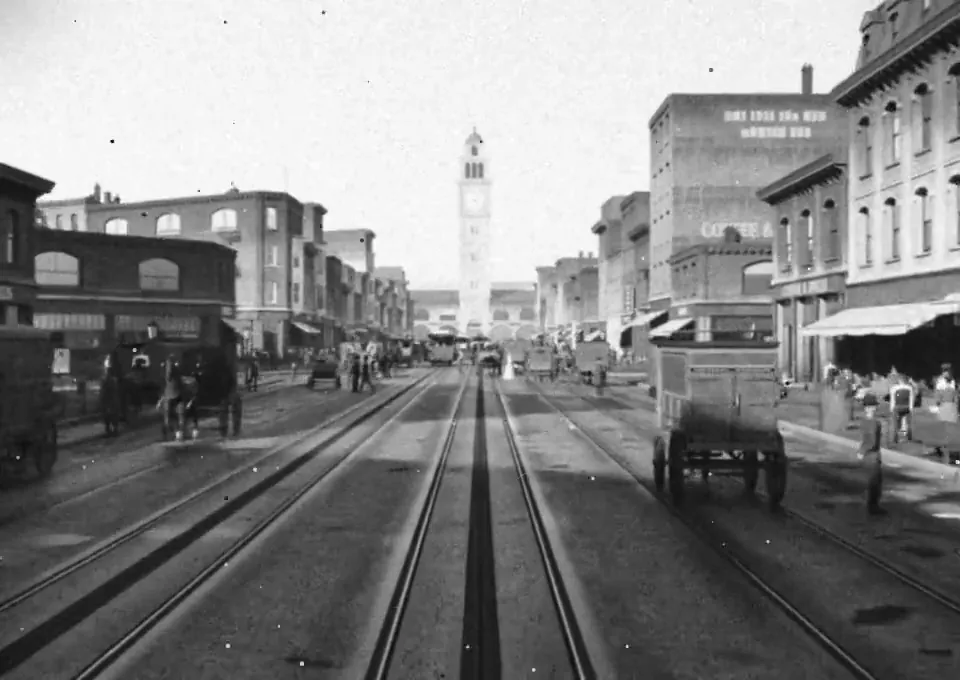
Recreate Market Street, San Francisco as it stood on April 17, 1906, the afternoon before the earthquake, in Blender. Scope: the Ferry Building up Market to Fif…
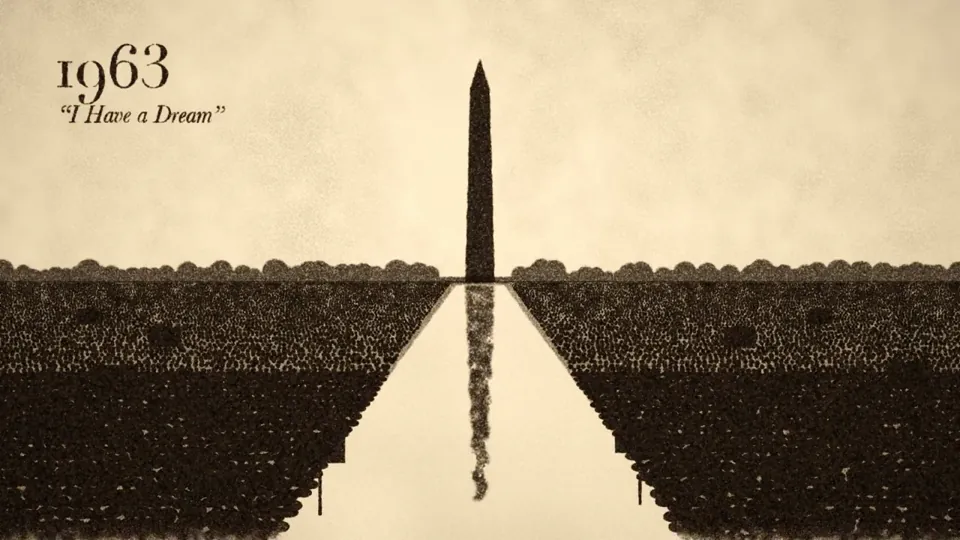
Make a 2-minute sand animation that tells the story of 250 years of U.S. history. Keep it lively, engaging, and tasteful. Add appropriate background music and s…
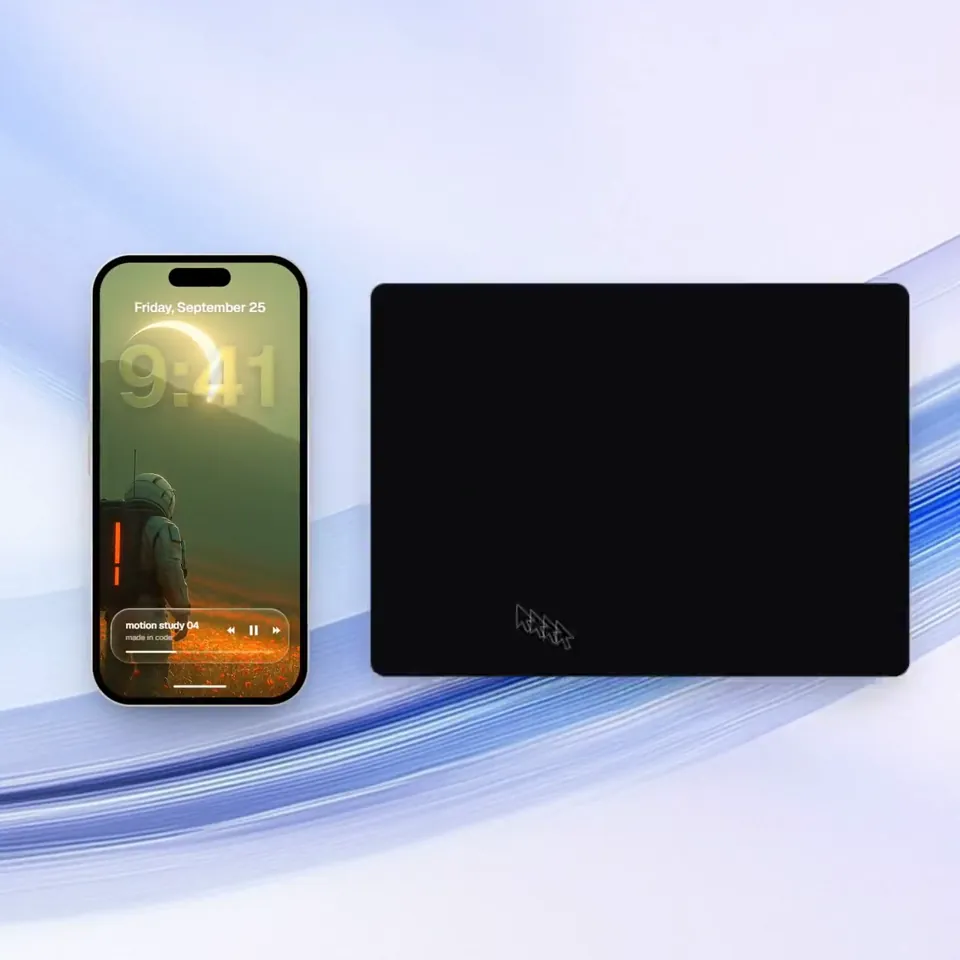
<inputs> Ask me for: a one-word brand name for the wordmark (a verb works best), 9 to 12 high-res photos, a royalty-free song around 120 BPM with a drop and a q…
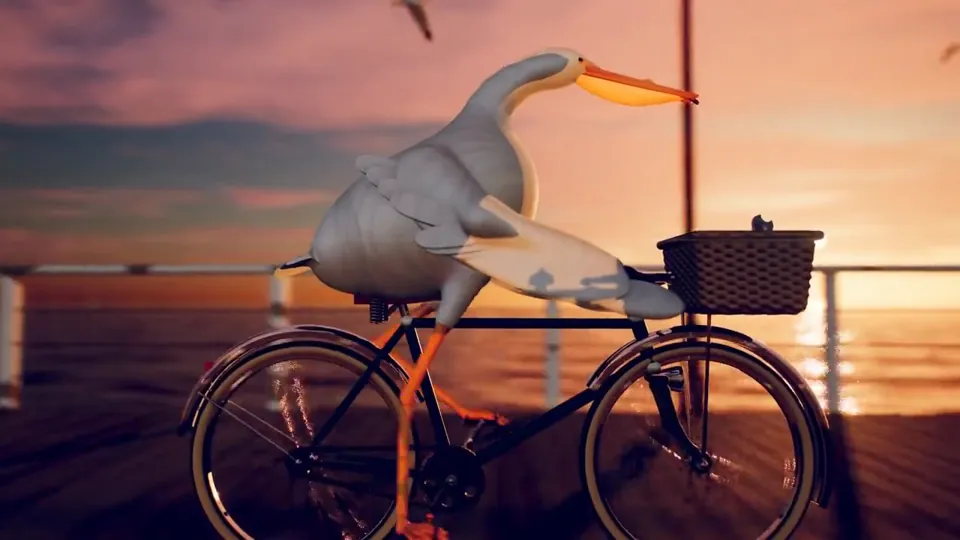
每次一个新的模型出来呢,大家都让它去画 “鹈鹕骑自行车” 来判断这个模型的空间能力,基本上都是用 HTML、SVG 来画动画。当我实在看得都有审美疲劳了,我希望你能画一个最复杂、最精细、最精美的 “鹈鹕骑自行车”的动画视频,你可以用任何的技术,不用着急,画一天都可以。
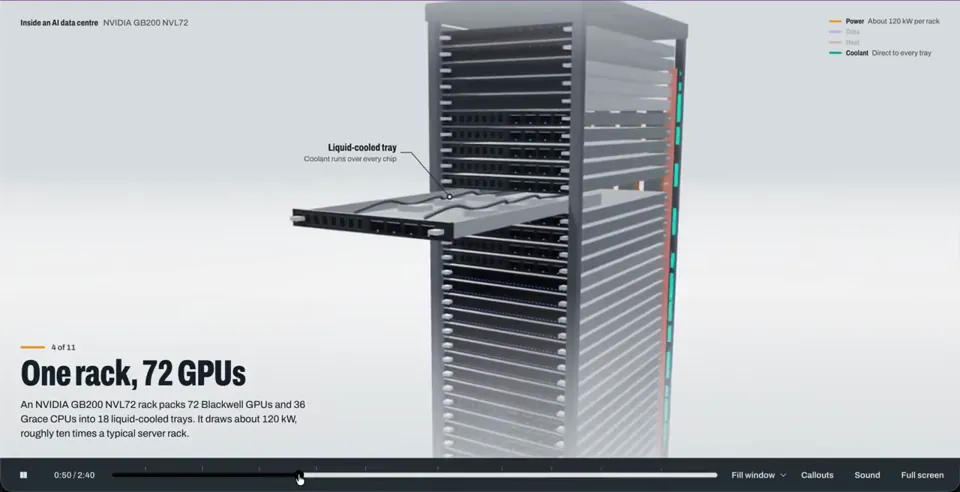
Show me what goes on inside an AI data centre.
どの作品も「動画ファイル」ではなく、Opus 5.5 が書いた HTML / JavaScript のアニメーションです。プロンプトさえあれば再現できます。
気になる作品を開いて「プロンプトをコピー」。一覧のカードからもワンクリックでコピーできます。
手軽に試すなら claude.ai でモデルに Opus 5.5 を選んで貼り付け。 本格的に作るなら空のフォルダで Claude Code を起動します。
mkdir my-video && cd my-video
claude --model claude-opus-5-5できた HTML をブラウザで開けば再生されます。「1 ファイルの HTML にして」「15 秒でループ」などを添えると安定します。 色・テキスト・尺を変えて自分だけの作品に。