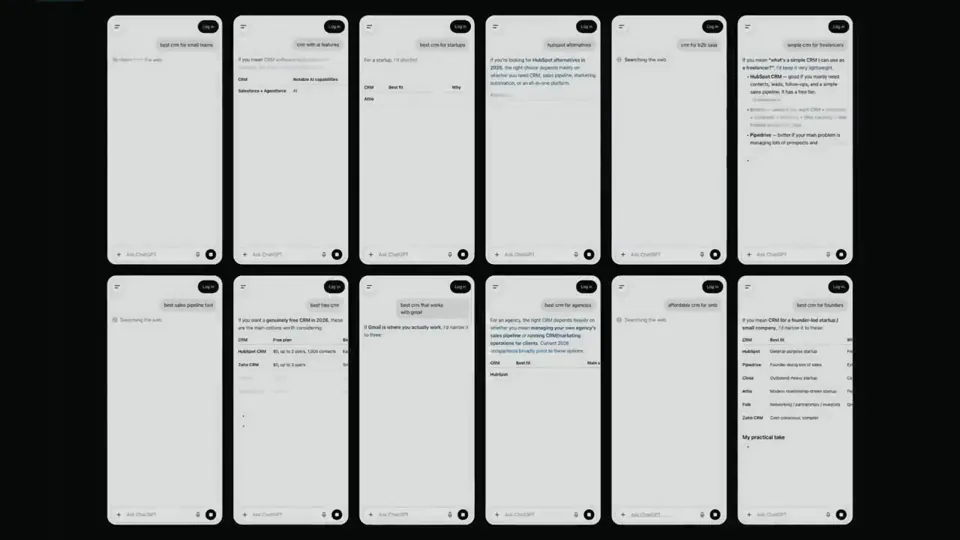
<inputs> Ask me for: the product name and a one-line promise, 3 to 5 UI moments to show, one accent color, 10 to 20 real vertical clips I own, and a royalty-fre…
X で再生
動画:@twoclipping(X より公式埋め込み)
<inputs>
Ask me for: the product name and a one-line promise, 3 to 5 UI moments to show, one accent color, 10 to 20 real vertical clips I own, and a royalty-free song with a clear drop (e.g. Mixkit, free for commercial use).
</inputs>

<direction>
High-end minimal. One idea per shot, lots of empty space, one accent color, one clean sans (Geist or Inter) with tight tracking. Masked type reveals, match cuts, one smooth camera language. Real footage only, never placeholder cards. No full stops in on-screen text.
Banned: shockwave rings, particle bursts, RGB split, camera shake, lens flares, neon glows, grid floors, flashing backgrounds, bouncy easing.
</direction>

<structure>
10 bars at 120 BPM, 2 seconds each.
Bar 1: the hook lands word by word on the beats.
Bar 2: one hook word morphs into the product UI. A cursor types and clicks.
The drop: a circle opens out of the button into a dark scene.
Then one move per bar: a wall of real clips with a scan line and 3 winners, the key output as big type, a 3D carousel of real videos with floor reflections and a motion-blurred whip onto one hero clip, the hero in a phone next to a panel that flips into results, big stats on push cuts, a 3-word ticker, a logo reveal, a fade to black.
</structure>

<build>
1. One HTML file at 1920x1080. Every style is computed from time inside
http://
window.seek(t): no CSS animations, no timers, no state between frames.
2. Real video: extract clips to 30fps JPEG sequences with ffmpeg and swap img sources per frame. seek awaits the image decodes.
3. Analyze the song with numpy: tempo, beat grid, energy per bar, the drop. Calibrate the grid to the real kick hits. Every cut sits on a downbeat, every UI hit on a beat.
4. Render with Playwright: 3 subframes per frame at t minus, at, and plus 1/240s, then blend with ffmpeg tmix for real motion blur at 60fps.
5. Place each sound effect so its measured peak, not its file start, lands on the event. Keep the effects quiet under the music. Loudnorm to -14 LUFS.
6. Probe 20 or more frames before the full render. Fix anything cluttered, overlapping or hard to read.
</build>

<gotchas>
Never set opacity or filter on a preserve-3d element, because it flattens and both faces show. Fade its wrapper instead. Measure element positions at runtime for match cuts. Only use music and sound effects whose license allows commercial use.
</gotchas>

<start>
Ask me for the inputs, then show me a storyboard with every timing on the beat grid before you write any code.
</start>同じ指示でも、実行ごとにまったく違う作品になります。見比べてみてください。
<inputs> Ask me for: the product name and a one-line promise, 3 to 5 UI moments to show, one accent color, 10 to 20 real vertical clips I own, and a royalty-fre…
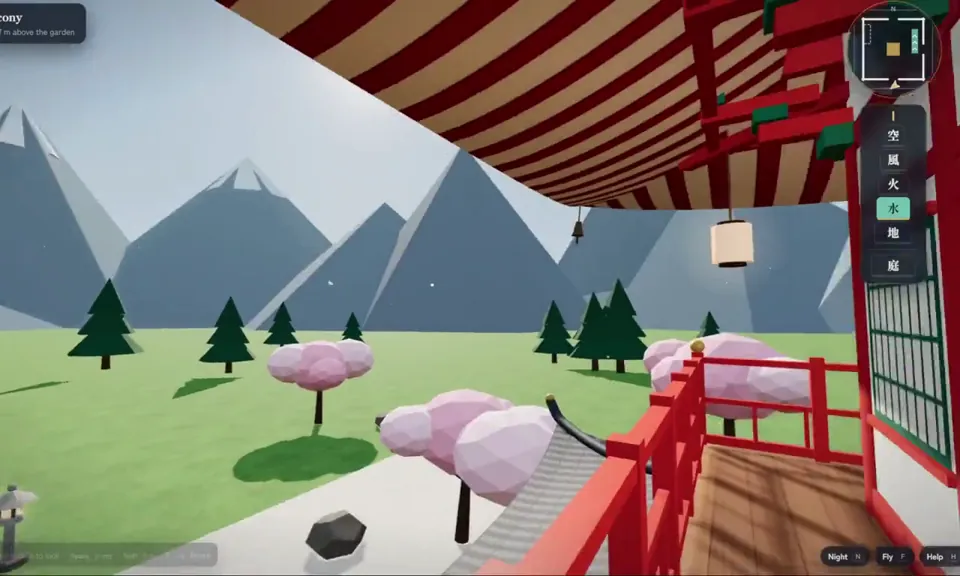
Implement code to be able to navigate in a pagoda in 3D.
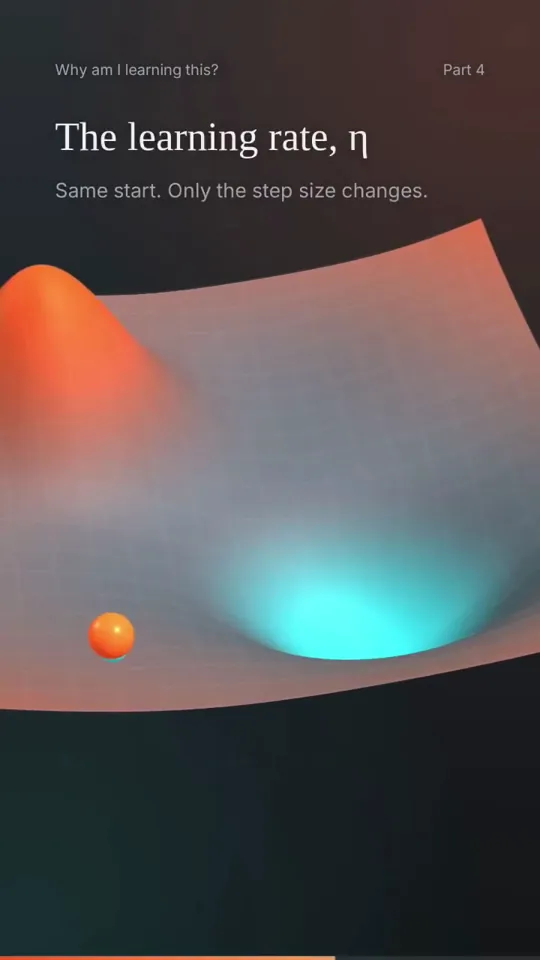
Create a 3D animation of a Path Points in this case ball reaching approximation from crest to trough. Discuss the type of ML algorithm gradient descent is. Also…
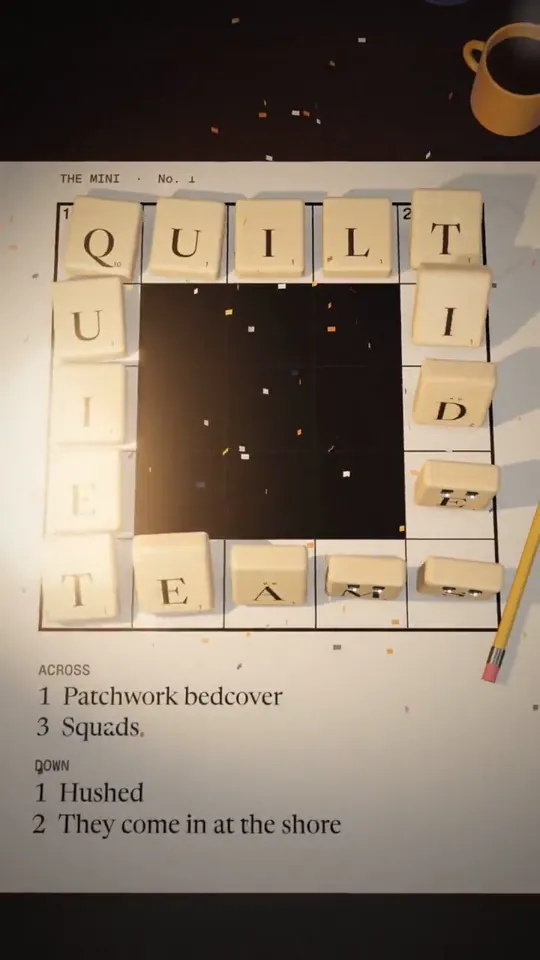
I want you to imagine a story, that subtly promotes grid genius. Or it can not even have grid genius, but something that aligns with our app and helps us get mo…
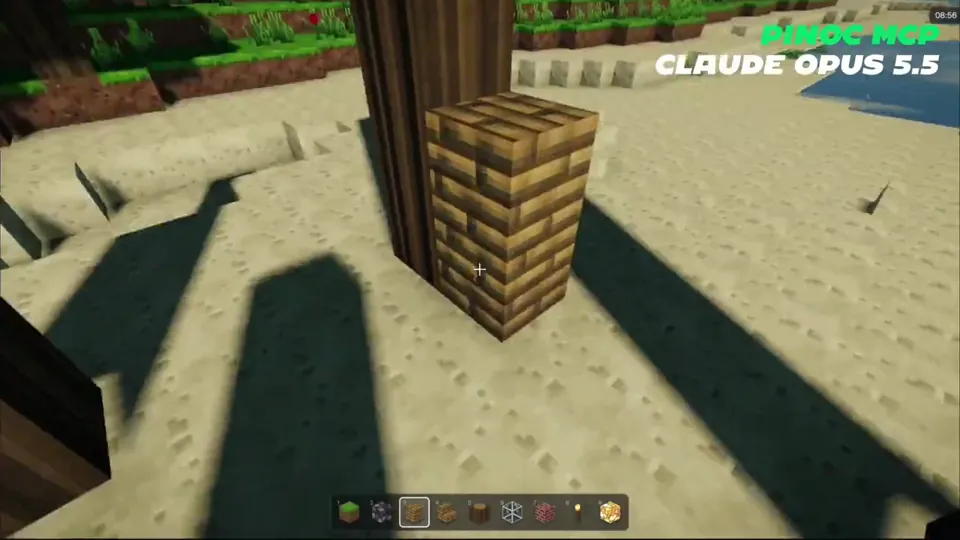
Create a playable version of Minecraft in my browser. Add advanced shaders that make it look as real and beautiful as possible. World: vanilla ES modules + thre…
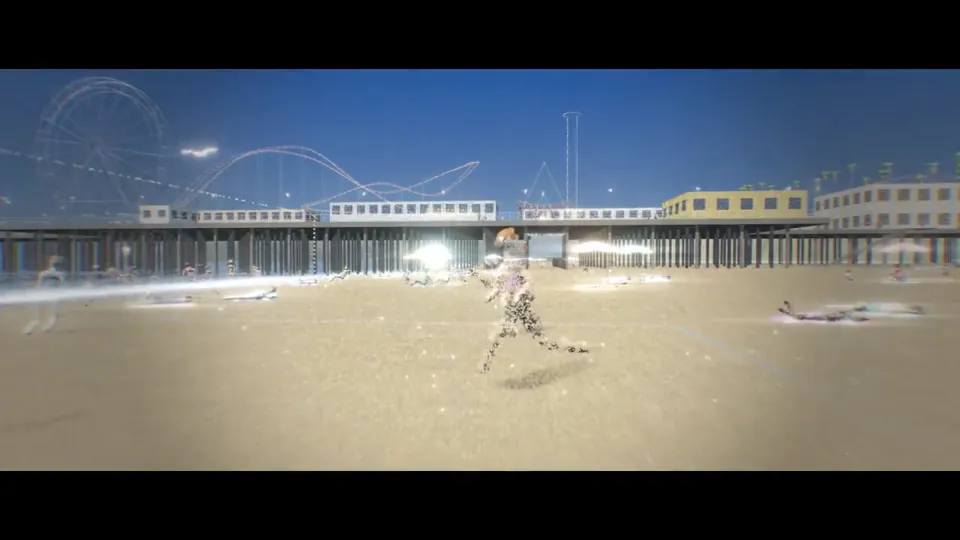
Create a stylistic 3D environment of a busy Santa Monica beach that adapts to the time of day. The art style must be a particle illustration, which uses thousan…
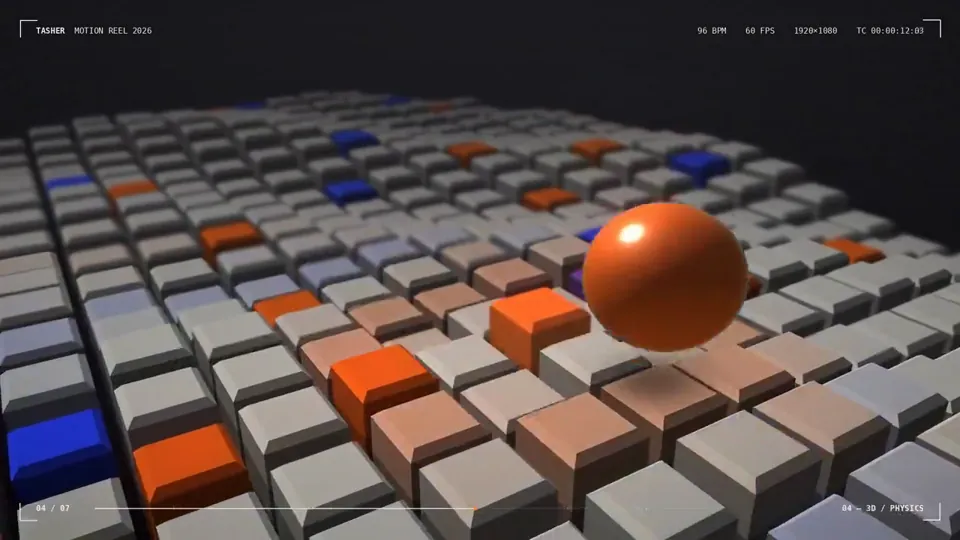
I’m curious to see how strong you are as a motion designer. To prove it, create a polished 15-second animated graphic video that showcases your motion design sk…
どの作品も「動画ファイル」ではなく、Opus 5.5 が書いた HTML / JavaScript のアニメーションです。プロンプトさえあれば再現できます。
気になる作品を開いて「プロンプトをコピー」。一覧のカードからもワンクリックでコピーできます。
手軽に試すなら claude.ai でモデルに Opus 5.5 を選んで貼り付け。 本格的に作るなら空のフォルダで Claude Code を起動します。
mkdir my-video && cd my-video
claude --model claude-opus-5-5できた HTML をブラウザで開けば再生されます。「1 ファイルの HTML にして」「15 秒でループ」などを添えると安定します。 色・テキスト・尺を変えて自分だけの作品に。