
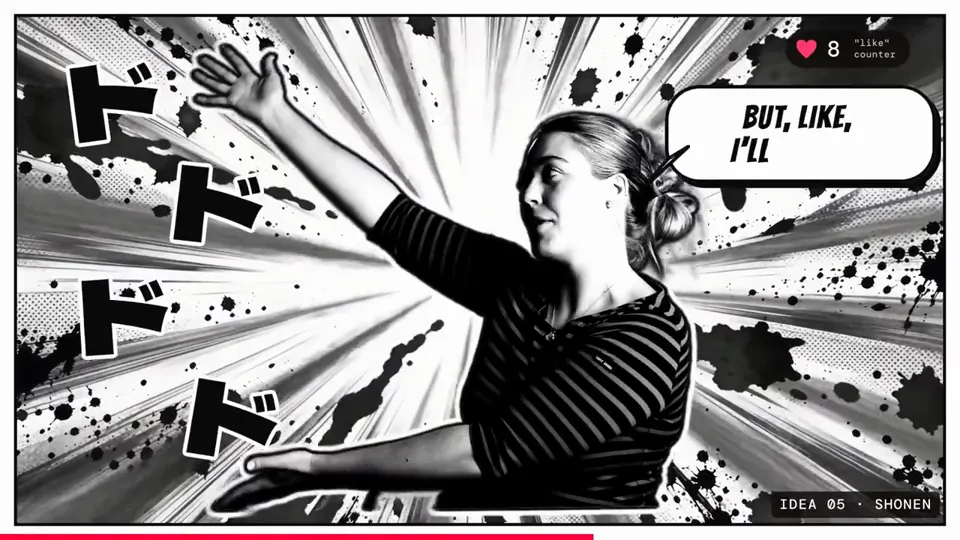
Cut a raw talking-head clip into a punchy, fun edit with subtitles, graphics and music
Cut a raw talking-head clip into a punchy, fun edit with subtitles, graphics and music
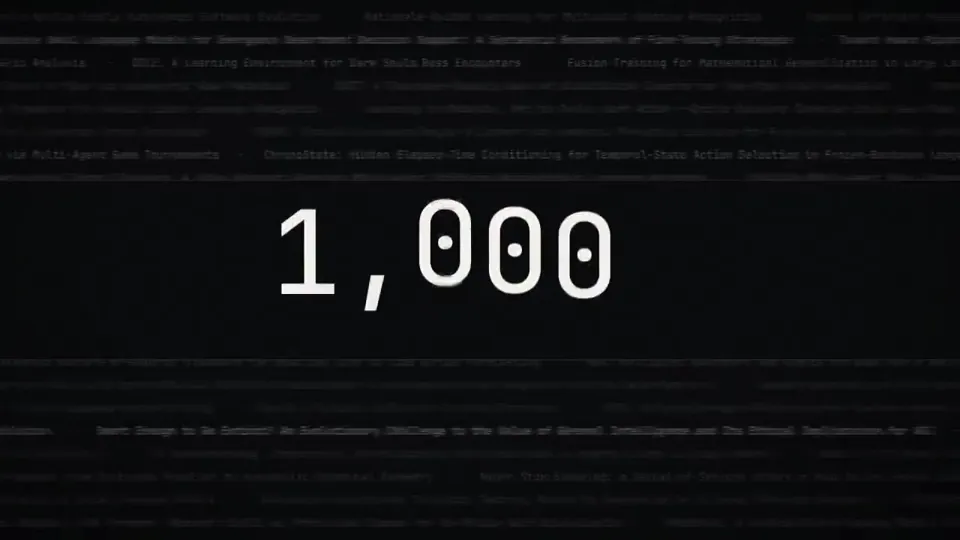
make a dynamic 15 second motion graphics video that shows what an incredible motion designer you are, like its your showreel for a resume, go all out, its about…
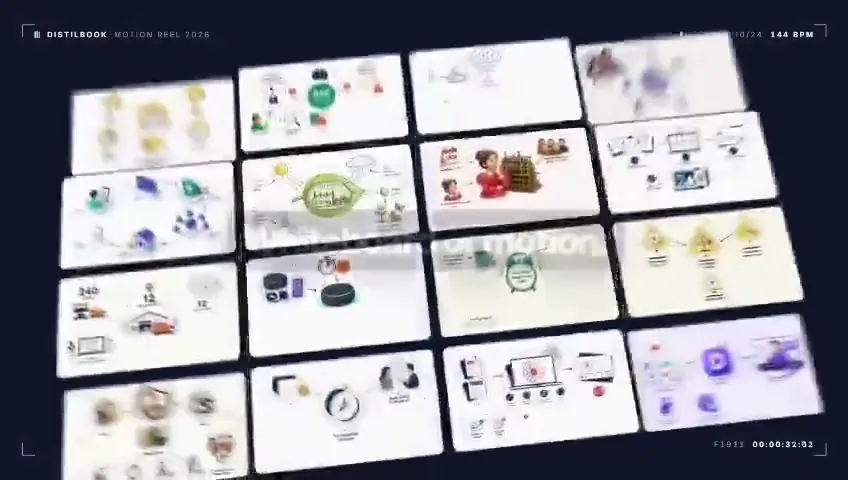
Research Distilbook.Make a dynamic 40-second motion graphics video on Distilbook that shows what an incredible motion designer you are. like it's your showreel …
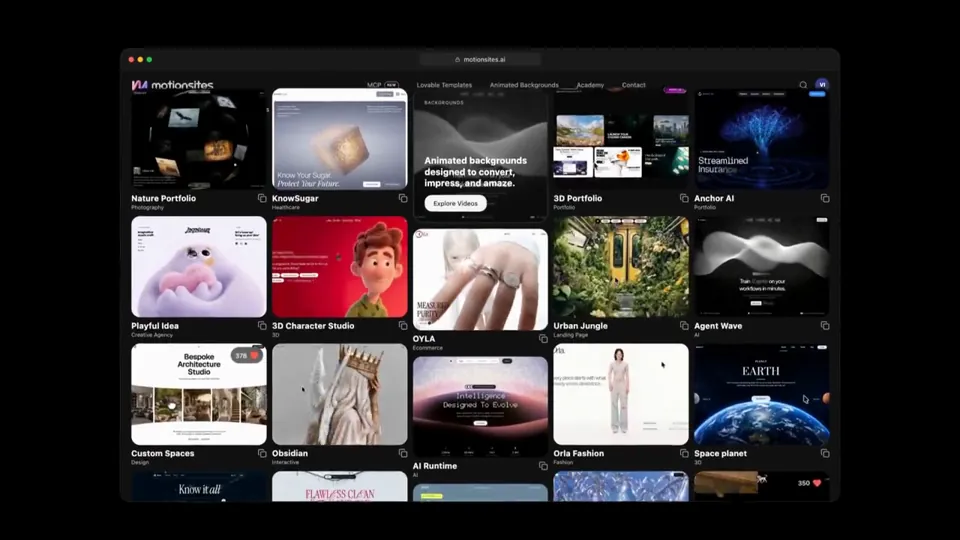
Create a launch video for MotionSites AI, just hit 1 million monthly visitors after 8 months after launch.

Use Python to generate a 9:16 chaotic brain rot video with excellent motion + sound design and render it using ffmpeg. Put your own personal spin on it so it’s …

make a dynamic 15-second motion graphics video that shows what an incredible motion designer you are, like it's your showreel for a résumé. go all out.
どの作品も「動画ファイル」ではなく、Opus 5.5 が書いた HTML / JavaScript のアニメーションです。プロンプトさえあれば再現できます。
気になる作品を開いて「プロンプトをコピー」。一覧のカードからもワンクリックでコピーできます。
手軽に試すなら claude.ai でモデルに Opus 5.5 を選んで貼り付け。 本格的に作るなら空のフォルダで Claude Code を起動します。
mkdir my-video && cd my-video
claude --model claude-opus-5-5できた HTML をブラウザで開けば再生されます。「1 ファイルの HTML にして」「15 秒でループ」などを添えると安定します。 色・テキスト・尺を変えて自分だけの作品に。