
Build me something when people see it, they will say "Wow". Must be immersive, when people see it, they will be stunned by what they see. This can be a video, o…
X で再生
動画:@sab8a(X より公式埋め込み)
Cut a raw talking-head clip into a punchy, fun edit with subtitles, graphics and musicBuild me something when people see it, they will say "Wow". Must be immersive, when people see it, they will be stunned by what they see. This can be a video, o…
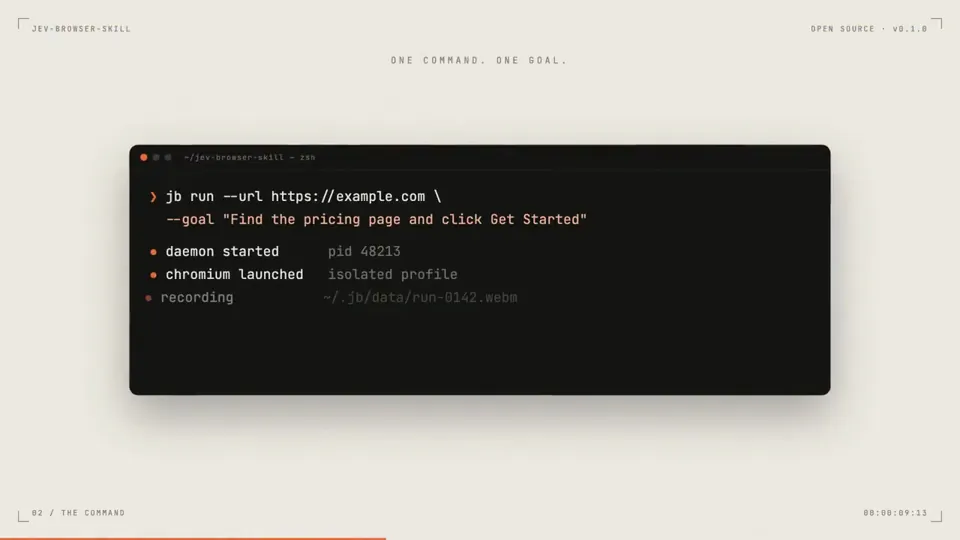
Make a dynamic 20-second motion graphics launch video for my open-source project jev-browser-skill ('Give a site. Write a goal. Jev clicks.'), like it's the her…

I want you to create a highly professional SaaS product launch video. Go and look up [website] Pick that, and then make sure to get actual assets and images and…
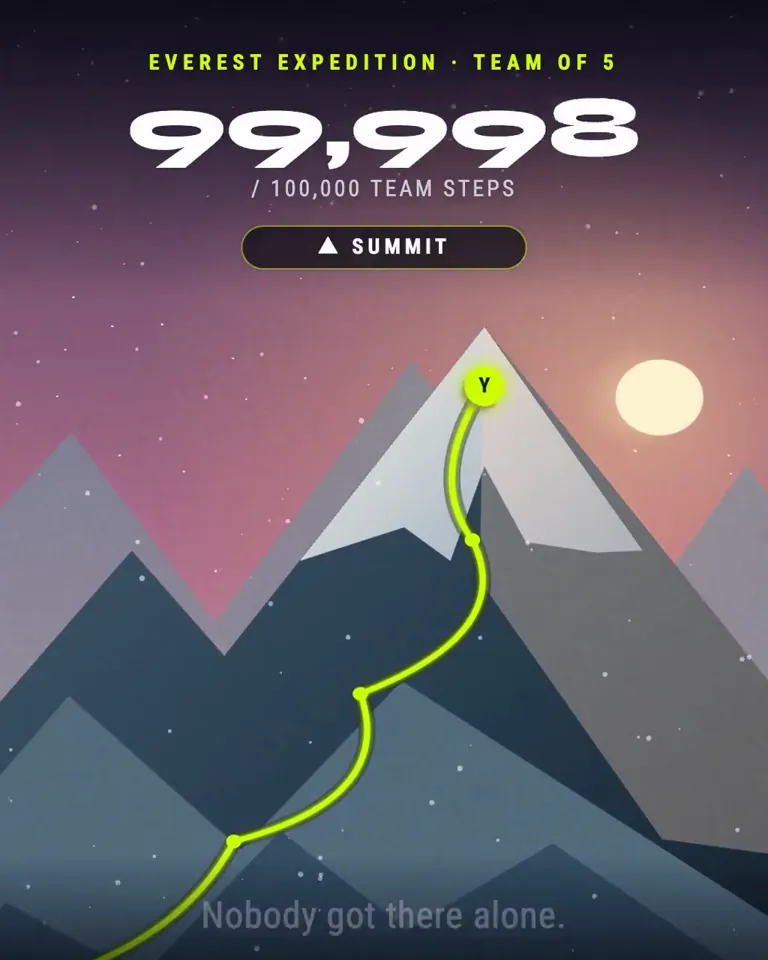
build me an incredible video for my app. make it emotional.
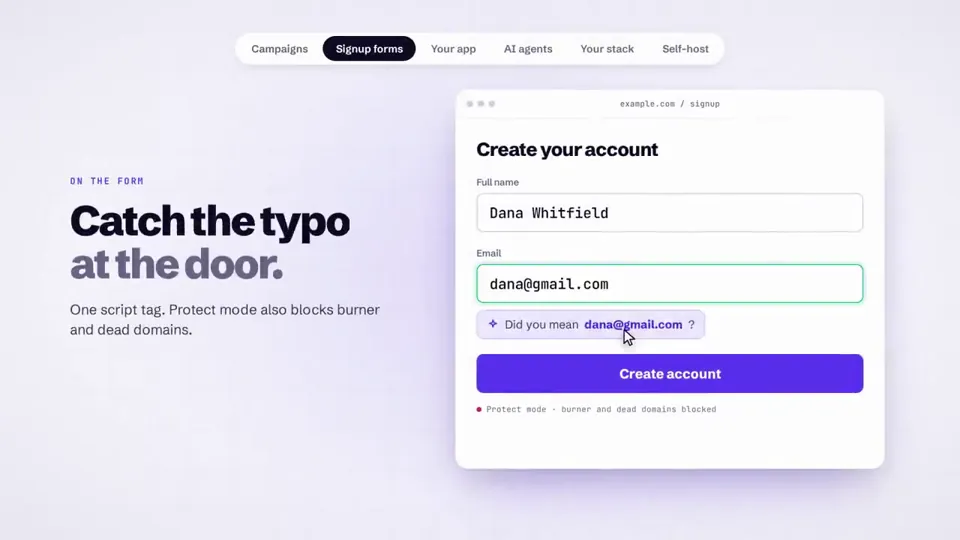
make a dynamic 20-second motion graphics video that shows what an incredible our email verify tool is, put all the use case you can imagine. go all out' i want …

réalise une vidéo résumant la vie politique au Maroc depuis l’indépendance
どの作品も「動画ファイル」ではなく、Opus 5.5 が書いた HTML / JavaScript のアニメーションです。プロンプトさえあれば再現できます。
気になる作品を開いて「プロンプトをコピー」。一覧のカードからもワンクリックでコピーできます。
手軽に試すなら claude.ai でモデルに Opus 5.5 を選んで貼り付け。 本格的に作るなら空のフォルダで Claude Code を起動します。
mkdir my-video && cd my-video
claude --model claude-opus-5-5できた HTML をブラウザで開けば再生されます。「1 ファイルの HTML にして」「15 秒でループ」などを添えると安定します。 色・テキスト・尺を変えて自分だけの作品に。