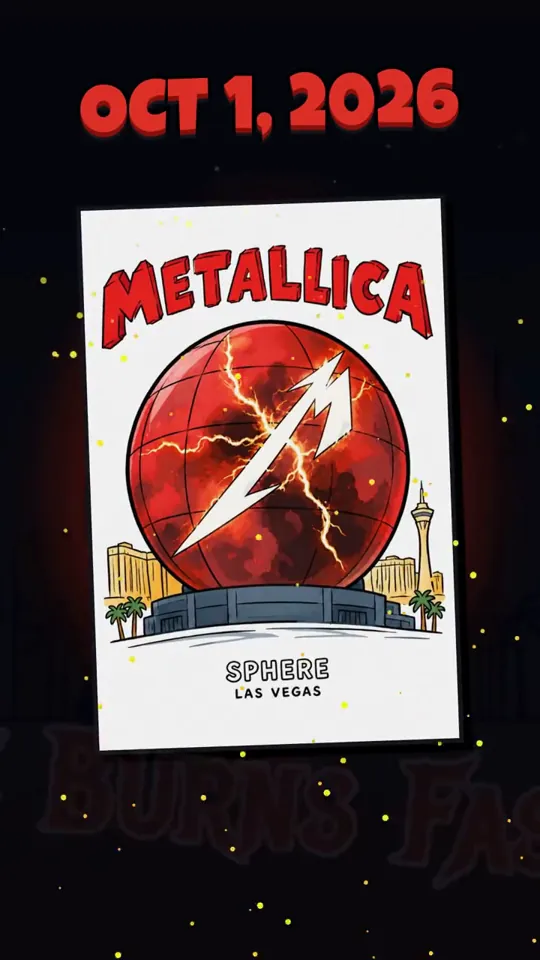
Render a fun motion graphic animation using the GSAP animation platform (see below) to show a brief history of The Sphere in Las Vegas from start to today (star…
X で再生
動画:@AstroTheWizard(X より公式埋め込み)
I want you to make a 60-second, fully animated explainer video, end to end, completely on your own. I'm stepping away from my computer, so work autonomously until it's done. Don't stop to ask me questions; make the calls yourself and tell me what you decided at the end.

Topic: the journey of photons

Style: whimsical, charming, storybook. Give the photon a personality. It should feel like a professional motion-design studio made it, not "AI video". The whole thing should be a pure JavaScript animation, rendered from code frame by frame. Don't use AI video generators for the visuals. I've seen the videos people are posting from Opus 5.5 (kinetic typography reels, continuous infinite zooms, data-driven explainers like The Pudding or 3Blue1Brown), and what makes them great is that they're code-rendered: crisp, precise, with a coherent design system and one strong formal idea per scene. Aim for that bar or above.

Make it genuinely educational and accurate. Where you can, simulate the real thing: the random walk should be an actual random walk, not a drawing of one. Include real numbers (core temperature, distance, travel time, years inside the Sun) and be honest about uncertainty in the estimates. Use humor and visual gags to keep attention: onomatopoeia, little characters, callbacks. Put what was happening on Earth during those 100,000 years alongside the photon's timeline.

Deliverable: 1920x1080 at 60fps, exactly 60 seconds, with:
- A voiceover script you write yourself, voiced with the highest-quality text-to-speech model you can access
- Burned-in captions, since most people watch on X with the sound off
- An original music score that fits the whimsical tone and changes with each scene
- Sound design synced exactly to the on-screen action (every bounce, pop, whoosh and ding)
- A professional mix: music ducks under the voice, mastered to streaming loudness

You write the script, design the characters, pick the typography and palette, compose the music, and build the animation engine. Use any tools and resources you can find access to: open fonts, sample libraries, open-source models. Use whatever works.

Quality is paramount. Build verification loops: render stills of every scene and review them critically, check transitions frame by frame, measure the audio mix numerically, fix what's weak and re-render. Don't hand me a first draft. Hand me something you'd put your name on. Also give me the source code so it's reproducibleRender a fun motion graphic animation using the GSAP animation platform (see below) to show a brief history of The Sphere in Las Vegas from start to today (star…
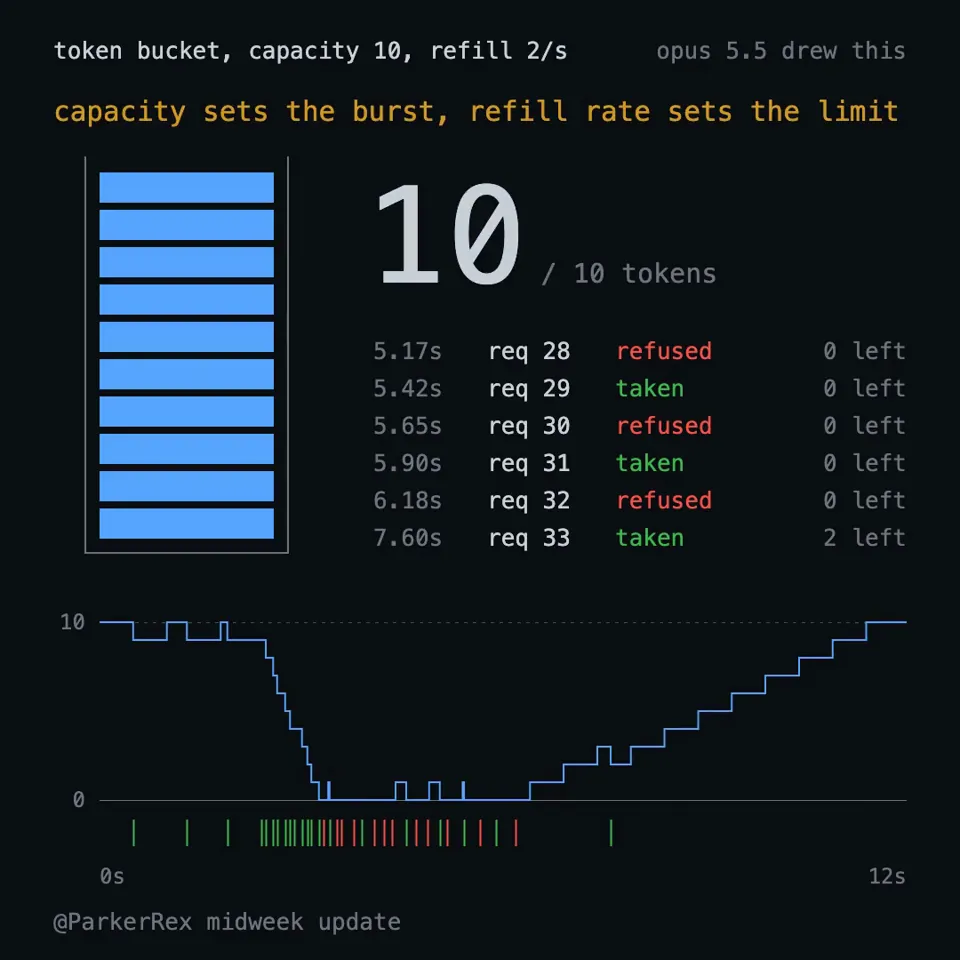
explain a token bucket rate limiter, canvas only, no libraries, every frame a pure function of time so my renderer can screenshot it.
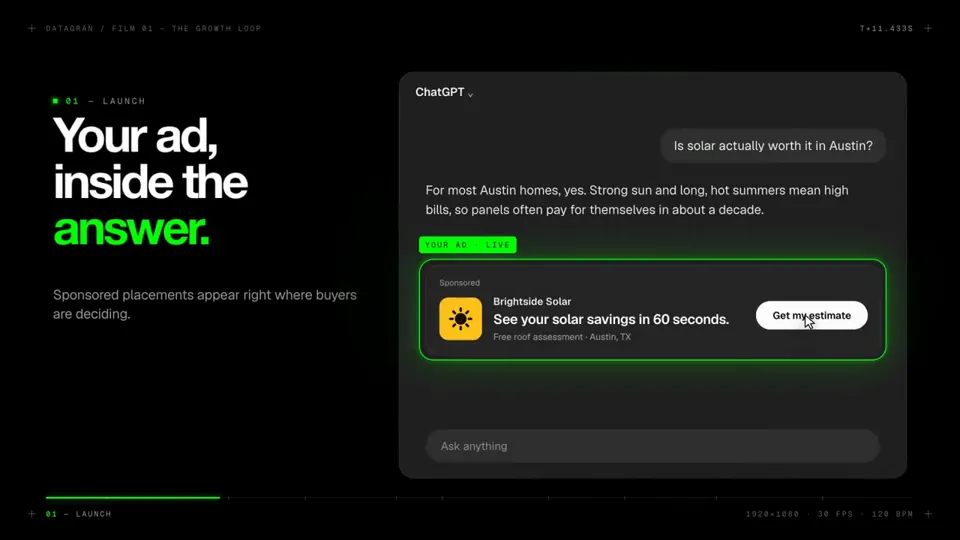
I Want you to make a modern slick and punchy video for http:// datagran.io with an example of a user creating a chatgpt ads campaign, then connecting their metr…
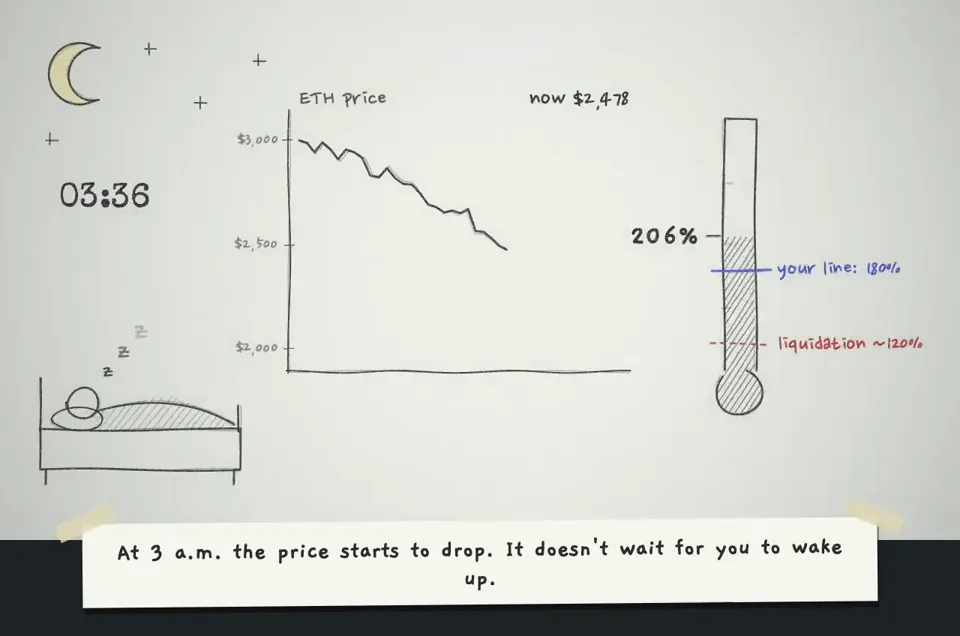
make a hand-drawn stop-motion animation; story: you're defi saver and explaining yourself in 1st person
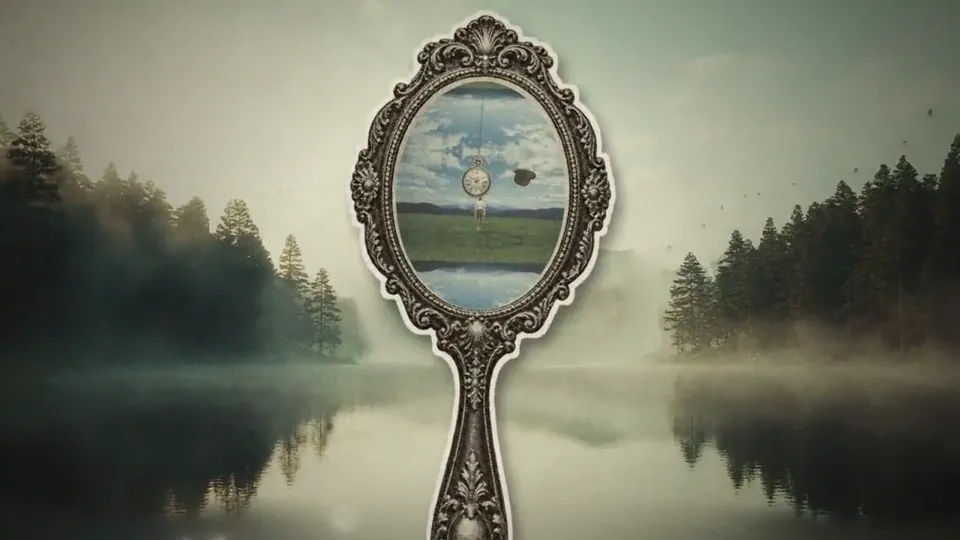
Build a looping "infinite zoom" animation, After Effects style: the camera travels from landscape to landscape by flying through vintage objects. LOOK: vintage …
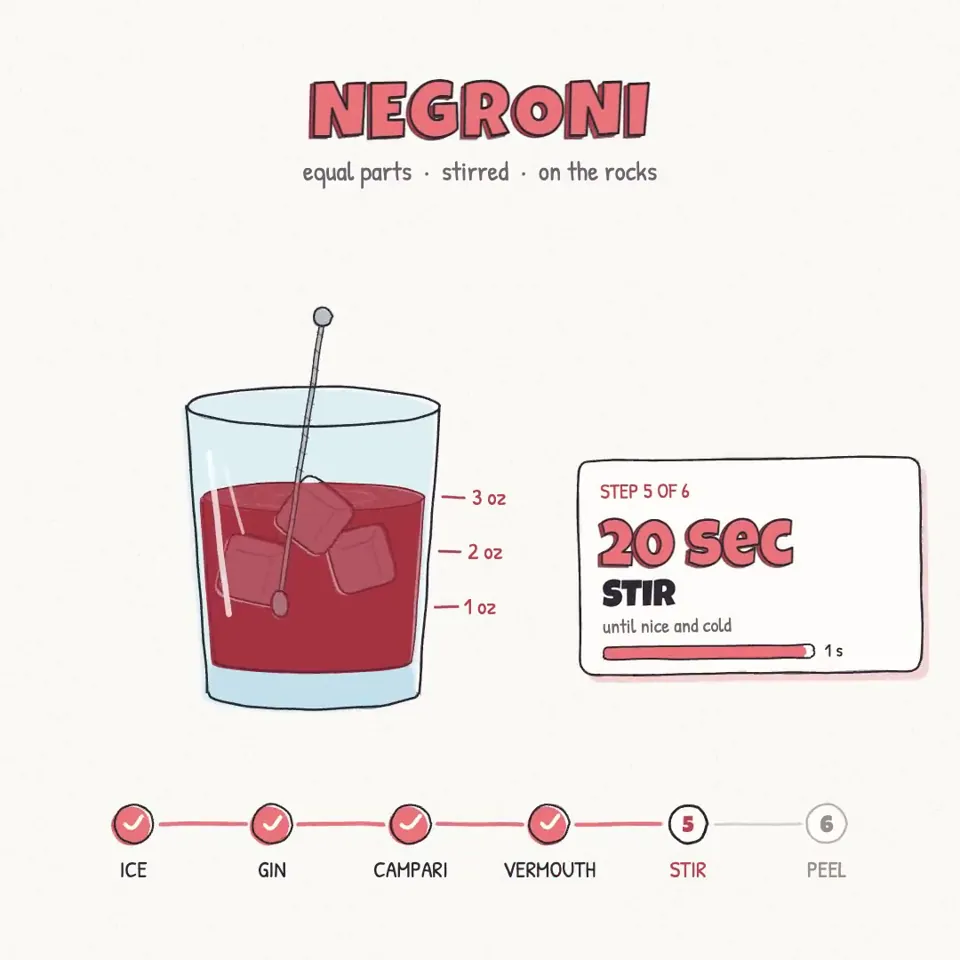
We're going to try a little test. Do you think you could render a recipe motion graphic animation using javascript or html (w/e you think will produce the best)…
どの作品も「動画ファイル」ではなく、Opus 5.5 が書いた HTML / JavaScript のアニメーションです。プロンプトさえあれば再現できます。
気になる作品を開いて「プロンプトをコピー」。一覧のカードからもワンクリックでコピーできます。
手軽に試すなら claude.ai でモデルに Opus 5.5 を選んで貼り付け。 本格的に作るなら空のフォルダで Claude Code を起動します。
mkdir my-video && cd my-video
claude --model claude-opus-5-5できた HTML をブラウザで開けば再生されます。「1 ファイルの HTML にして」「15 秒でループ」などを添えると安定します。 色・テキスト・尺を変えて自分だけの作品に。