Make a ODATANO edit that goes hard
X で再生
動画:@techyoutbe(X より公式埋め込み)
I want you to create a highly professional SaaS product launch video. Go and find some SaaS, preferably just one that people know, so it's easier to identify with it. Pick that, and then make sure to get actual assets and images and all of that stuff from the internet. Turn it into these typical, very professionally edited, motion-graphics-styled product launch videos that you see people making on Twitter when they launch new SaaS products (which are showing off the features, the benefits, and all of these things)

http://
t3pacademy.gumroad.comMake a ODATANO edit that goes hard

I want you to create a "Happy Mid-Autumn Festival" video in hand drawn canvas animation style. You must use the attached Taiwan black bear as the main character…
Make a GravityDEX x Gojo Satoru edit that goes hard
You are a professional videographer. Create me a high-definition, creative, playful, and joyful video that you enjoy watching, that has sounds matching the fram…
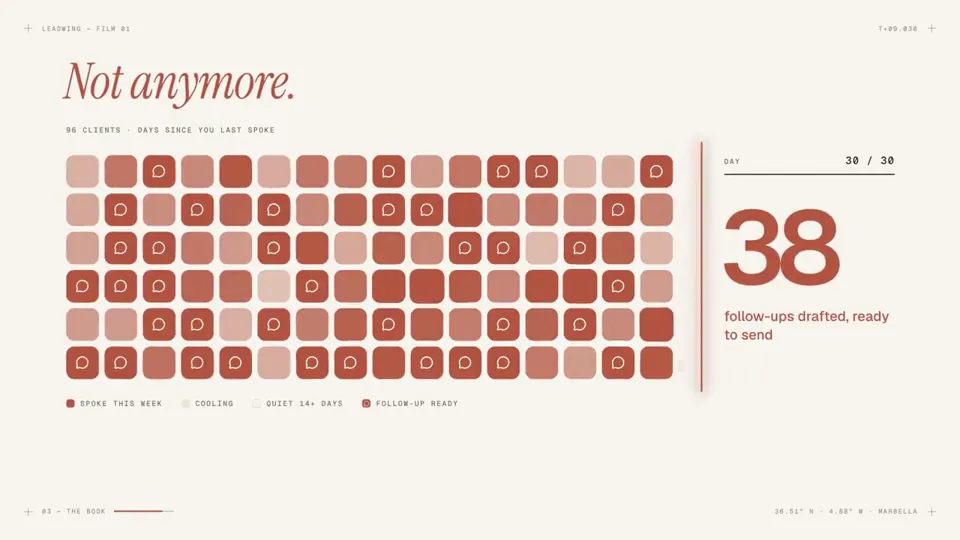
make a modern slick and punchy video for a modern startup that works on inference no video gen model, no additional libraries.
 一部プロンプト
build mobile app animated splash screen creation for ...
どの作品も「動画ファイル」ではなく、Opus 5.5 が書いた HTML / JavaScript のアニメーションです。プロンプトさえあれば再現できます。
気になる作品を開いて「プロンプトをコピー」。一覧のカードからもワンクリックでコピーできます。
手軽に試すなら claude.ai でモデルに Opus 5.5 を選んで貼り付け。 本格的に作るなら空のフォルダで Claude Code を起動します。
mkdir my-video && cd my-video
claude --model claude-opus-5-5できた HTML をブラウザで開けば再生されます。「1 ファイルの HTML にして」「15 秒でループ」などを添えると安定します。 色・テキスト・尺を変えて自分だけの作品に。