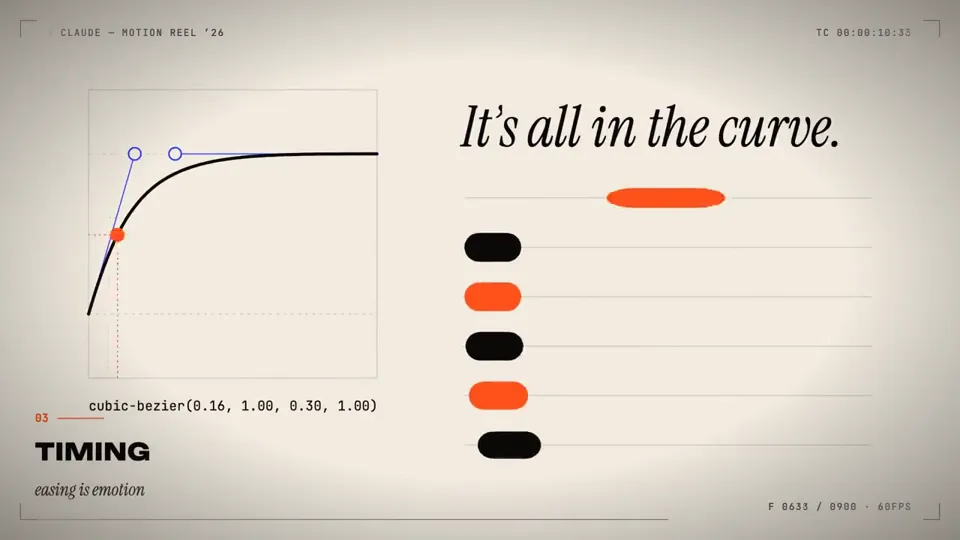
make a dynamic 15-second motion graphics video that shows what an incredible motion designer you are, like it's your showreel for a resume. go all out
X で再生
動画:@daniel_mac8(X より公式埋め込み)
I want to try something different here. You should act as a  world-class animator and create an animation to go along with an  X post that talks about how Ultra Code and Claude Code are now  much more relevant due to the efficiency of Opus 5.5. You can use it without annihilating your usage limits

the style of the video here
/Users/danielmcateer/Downloads/jvnZ3SyyxxajVatp.mp4

What I had in mind was start with Claude Code in the terminal from the first attached video, with me navigating to the 'ultracode' reasoning effort, then exploding into a scene where the Claude icon characters similar to what's in the second video are shooting an action video and it's representing using Claude Code dynamic workflows editing a video.make a dynamic 15-second motion graphics video that shows what an incredible motion designer you are, like it's your showreel for a resume. go all out
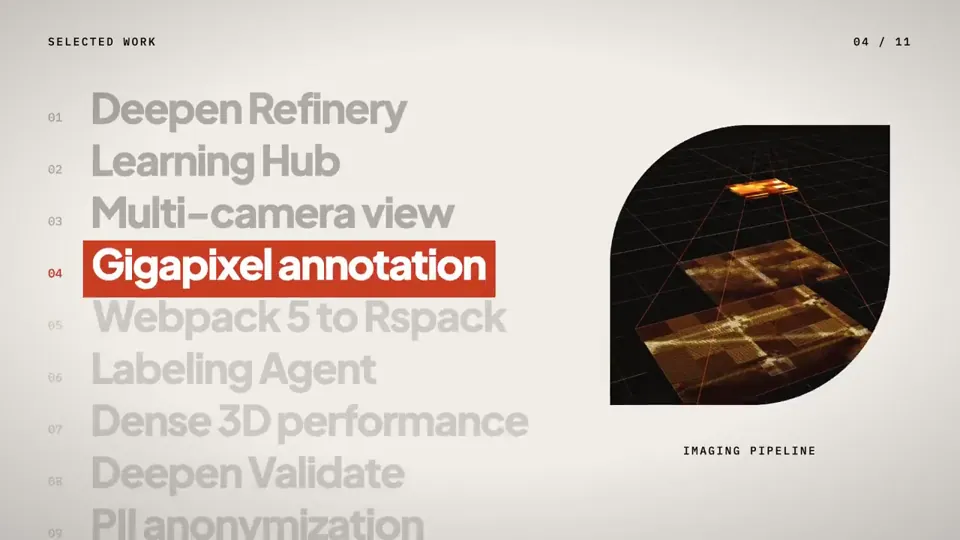
you are a pro motion designer. analyze my portfolio and make a ~30 second video from it. check what are the recent trending techniques used for motion and sound…

Make a dynamic 15-second motion graphics video that shows what an incredible motion designer you are. The content should focus on [your product]. You should vis…
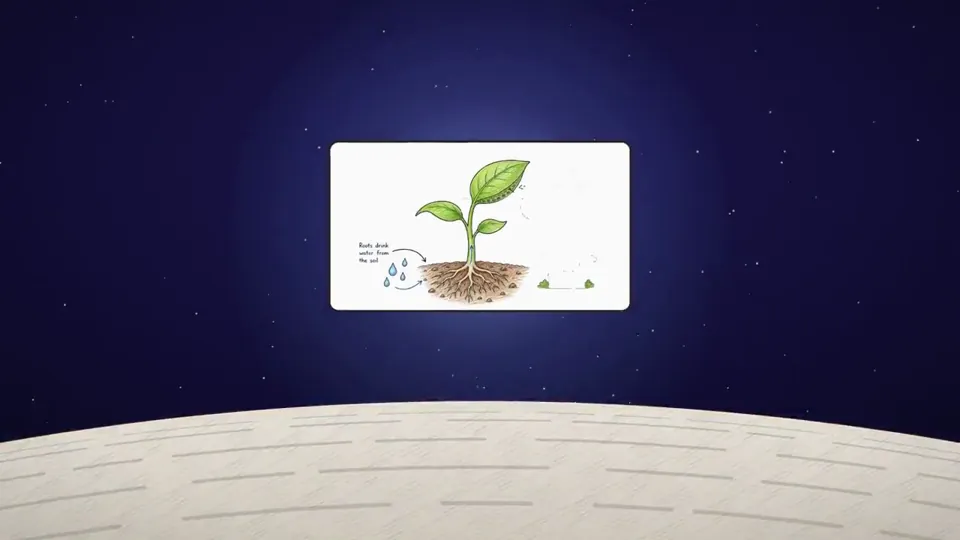
Take reference from the given video (download it) and use the same visual style. and Research about Distilbook. Make a dynamic 30-second motion graphics video o…
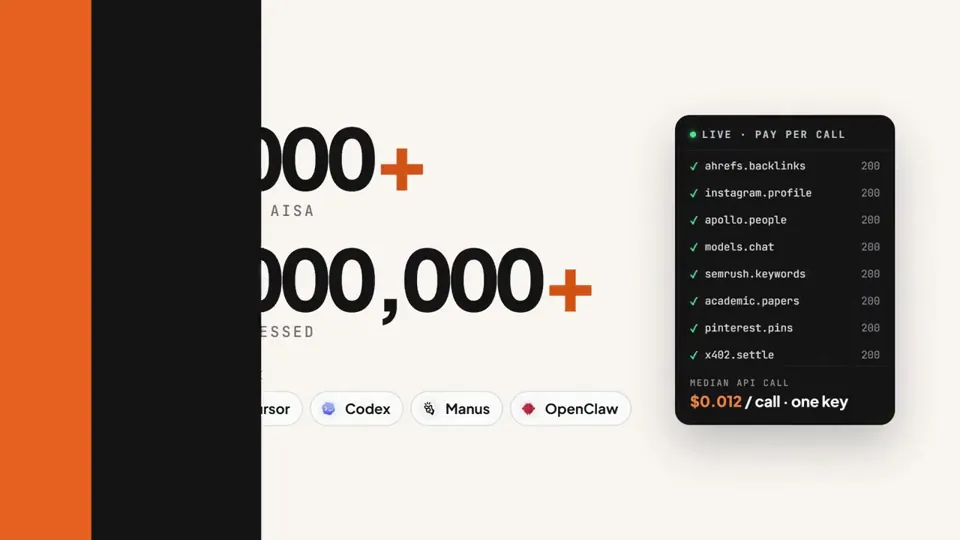
make a dynamic 15-second motion graphics video for AIsa. Go all out.
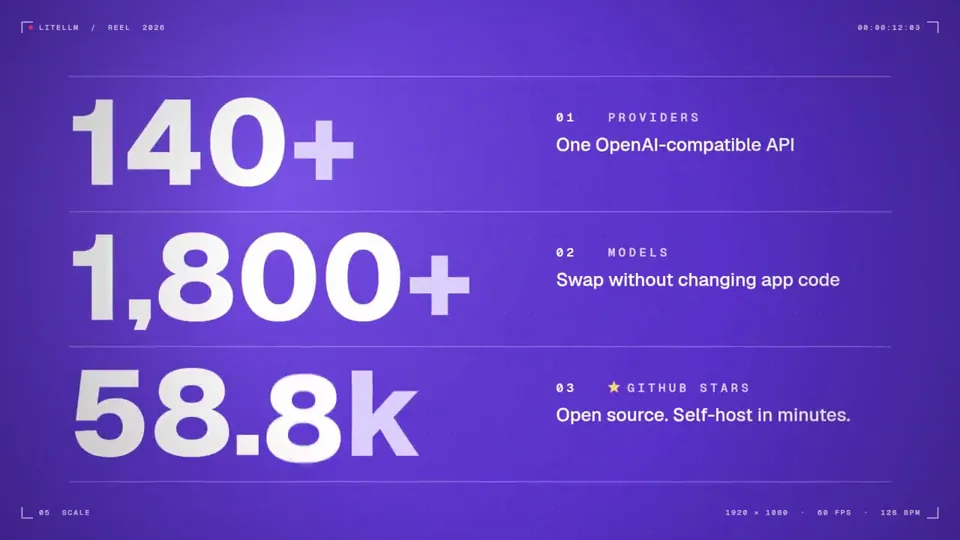
make a dynamic 15-second motion graphics video that shows what an incredible motion designer you are, like it's your showreel for a résumé. go all out.
どの作品も「動画ファイル」ではなく、Opus 5.5 が書いた HTML / JavaScript のアニメーションです。プロンプトさえあれば再現できます。
気になる作品を開いて「プロンプトをコピー」。一覧のカードからもワンクリックでコピーできます。
手軽に試すなら claude.ai でモデルに Opus 5.5 を選んで貼り付け。 本格的に作るなら空のフォルダで Claude Code を起動します。
mkdir my-video && cd my-video
claude --model claude-opus-5-5できた HTML をブラウザで開けば再生されます。「1 ファイルの HTML にして」「15 秒でループ」などを添えると安定します。 色・テキスト・尺を変えて自分だけの作品に。