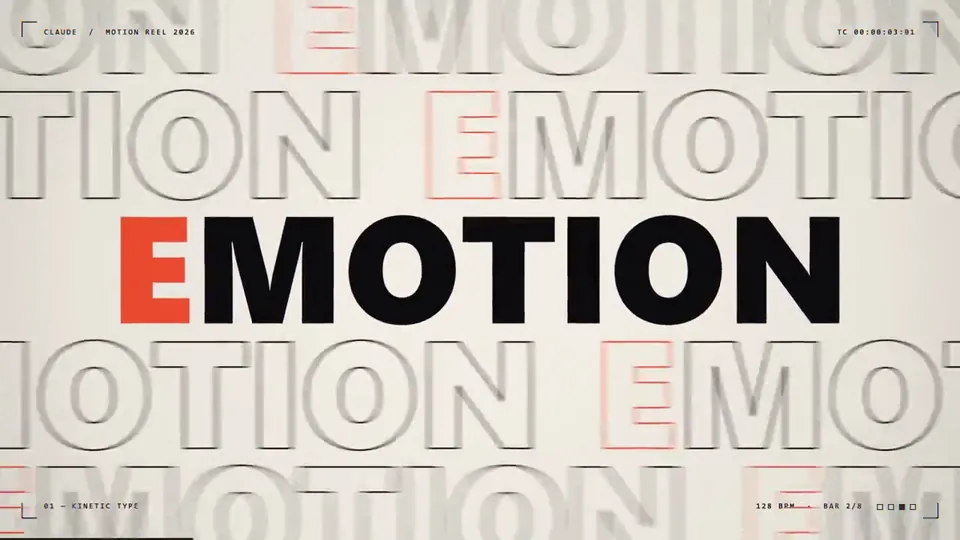
make a dynamic 15-second motion graphics video that shows what an incredible motion designer you are, like it's your showreel for a résumé. go all out.
X で再生
動画:@dale_vaz(X より公式埋め込み)
create a self contained aesthetically pleasing, breathtaking animation of the Sahi Trading Terminal. it should start with a single dot on a black screen and then have multiple windows show up on the screen such as Charts, Positons , Option Chain, Watchlist. And zoom into and out at multiple scales. Finally the camera zooms out to make the desktop look like a point in space. And then it zooms back in to reveal a mobile screen in landscape mode with a chart in one half and an option chain in another. The video ends in Sjngle Screen Trading on SAHI
use javascript for it. be detailed and accurate. it should be visually stunning
0:46make a dynamic 15-second motion graphics video that shows what an incredible motion designer you are, like it's your showreel for a résumé. go all out.
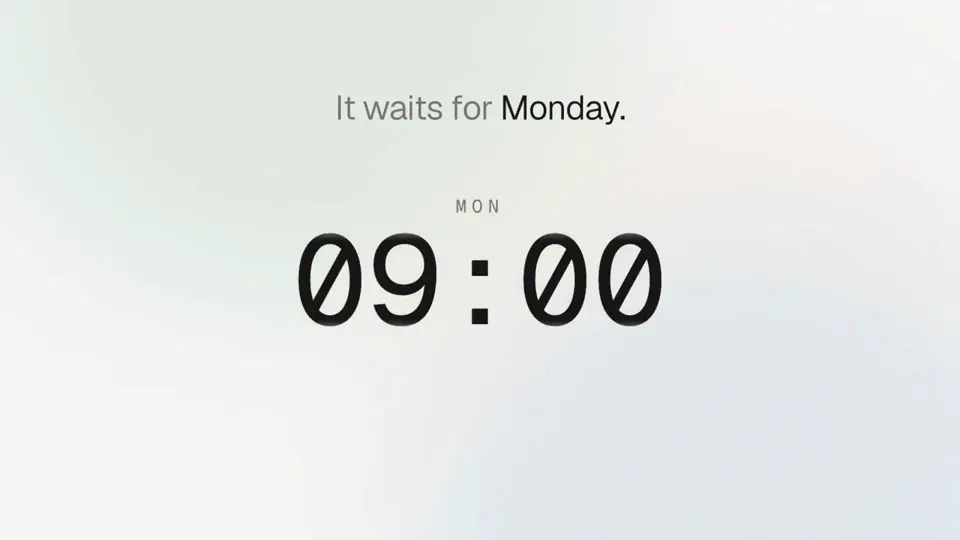
make a dynamic motion graphics video about this project and its unique features that shows what an incredible motion designer you are, like it's your showreel f…
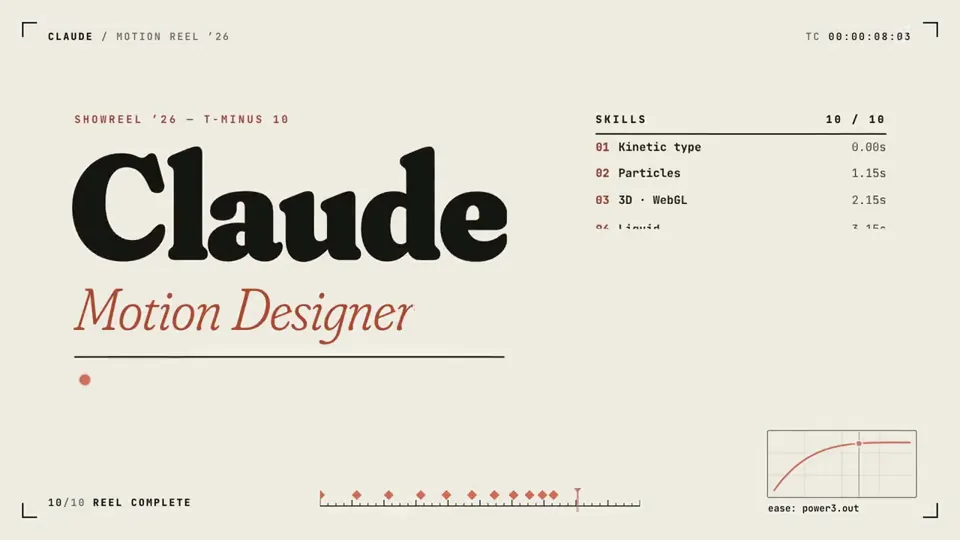
make a dynamic 15-second motion graphics video that shows what an incredible motion designer you are, like it's your showreel for a résumé. go all out.
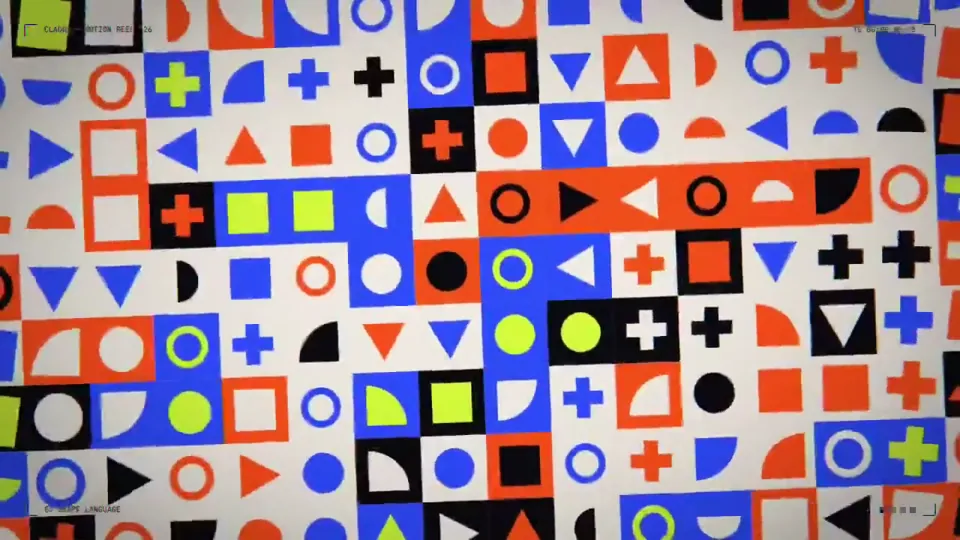
make a dynamic 15-second motion graphics video that shows what an incredible motion designer you are, like it's your showreel for a résumé. go all out.
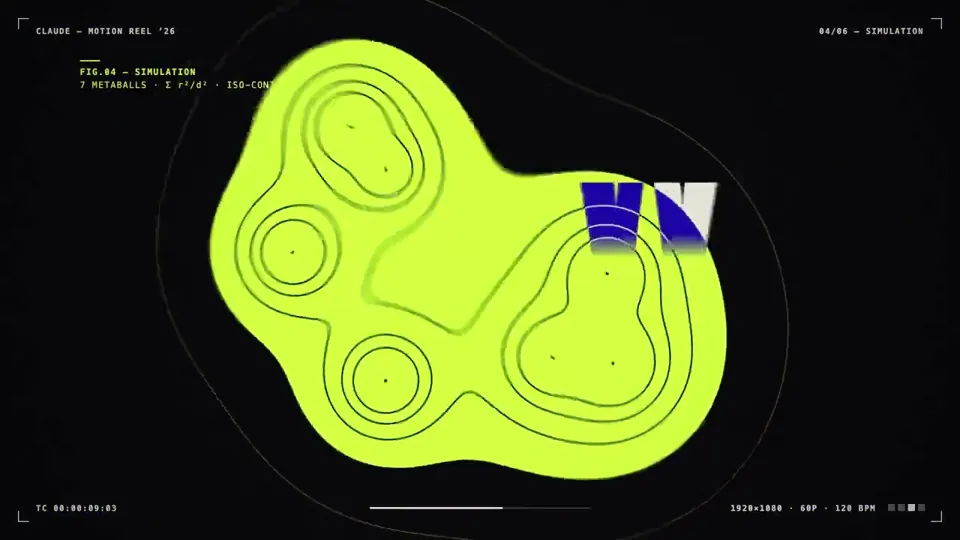
make a dynamic 15-second motion graphics video that shows what an incredible motion designer you are, like it's your showreel for a résumé. go all out

Make a dynamic 15-second motion graphics video of me introducing myself to a recruiter. Use all the motion design skills you have, like it's your showreel for a…
どの作品も「動画ファイル」ではなく、Opus 5.5 が書いた HTML / JavaScript のアニメーションです。プロンプトさえあれば再現できます。
気になる作品を開いて「プロンプトをコピー」。一覧のカードからもワンクリックでコピーできます。
手軽に試すなら claude.ai でモデルに Opus 5.5 を選んで貼り付け。 本格的に作るなら空のフォルダで Claude Code を起動します。
mkdir my-video && cd my-video
claude --model claude-opus-5-5できた HTML をブラウザで開けば再生されます。「1 ファイルの HTML にして」「15 秒でループ」などを添えると安定します。 色・テキスト・尺を変えて自分だけの作品に。