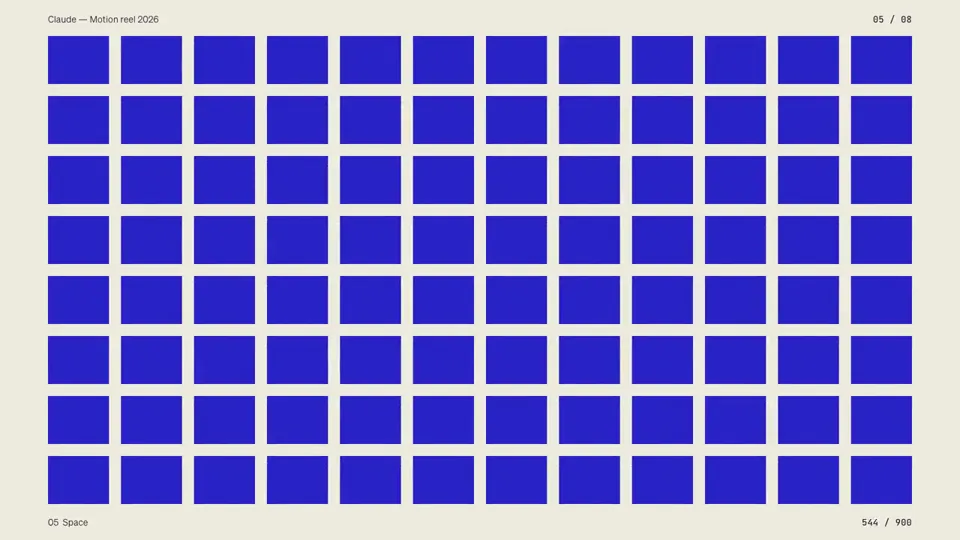
Make a dynamic 15-second motion graphics video that shows what an incredible motion designer you are, like it's your showreel for a résumé. go all out.
X で再生
動画:@chrisjdimarco(X より公式埋め込み)
make a dynamic 60-second motion graphics video that shows what an incredible motion designer you are, like it's your showreel for a résumé. go all out. and make the theme and content be about the importance of an informed public in a democracy, the importance of not having corrupted officials and greedy corporations, we need to remember what adam smith said about responsible capitalism or whatever (you can rewrite all of what im saying to sound so much smarter and better) and why facsism and croney capitalism can always reer its ugly head if we aren’t vigilant and always remember the important threats to prosperity and freedom which is the ruling classes need for more control, power and consolidation at the expense of others because they believe they know better.Make a dynamic 15-second motion graphics video that shows what an incredible motion designer you are, like it's your showreel for a résumé. go all out.
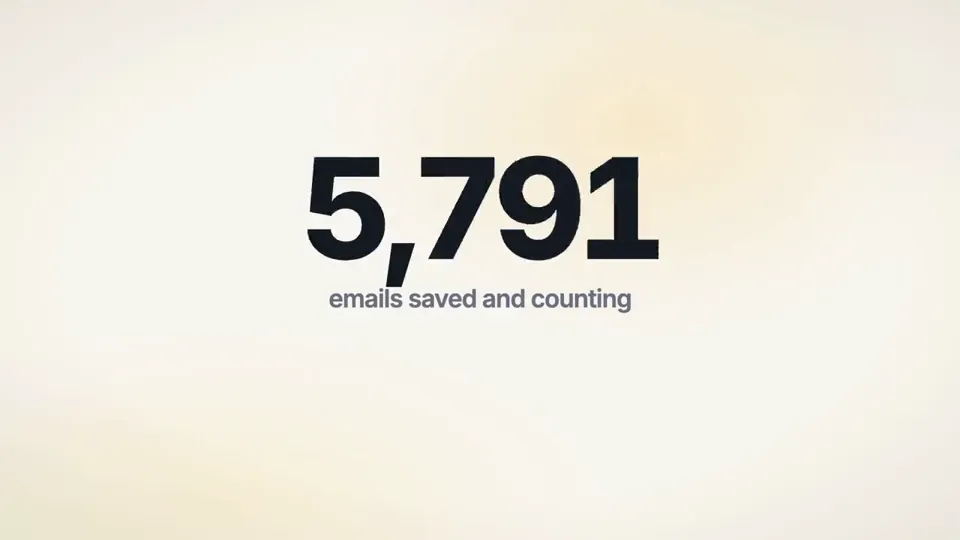
I want you to create a highly professional SaaS product launch video. Go and find some SaaS, preferably just one that people know, so it's easier to identify wi…
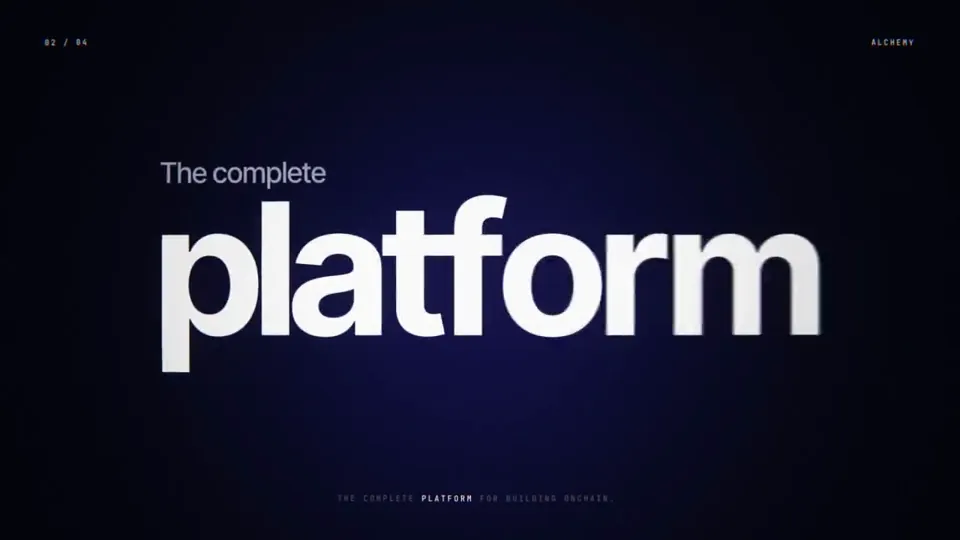
make a dynamic 15-second motion graphics video that shows what an incredible motion designer you are, like it's your showreel for the infra company https://alch…
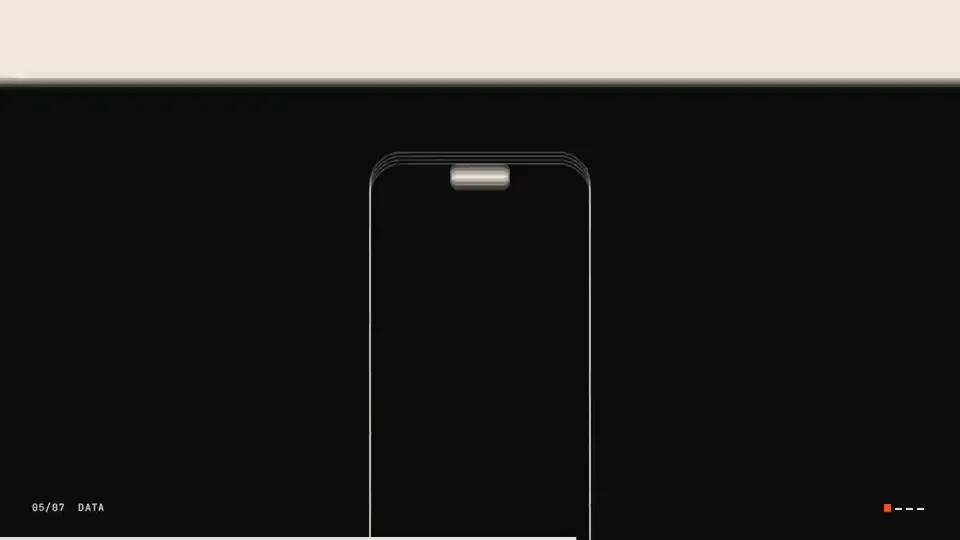
make a dynamic 10-second motion graphics video that shows what an incredible motion designer you are, like it's your showreel for a résumé. go all out
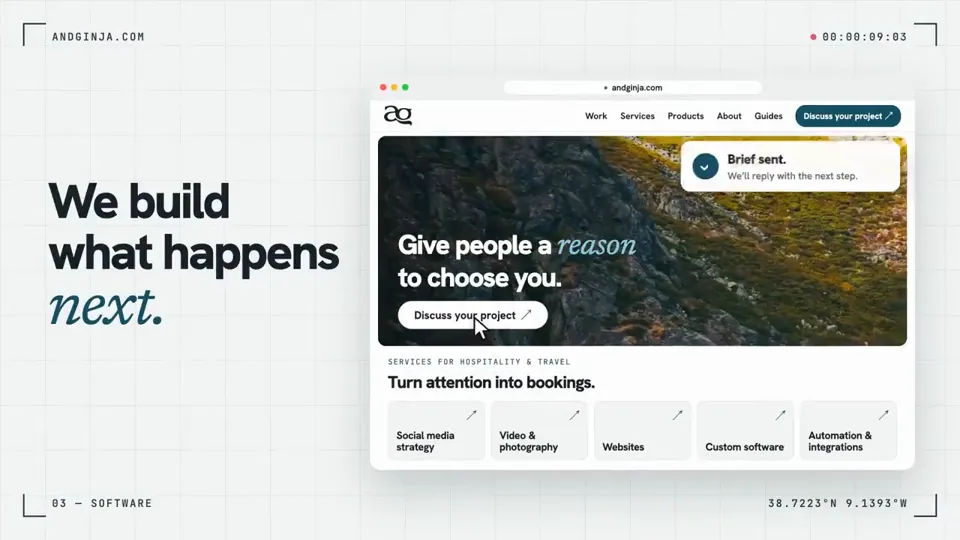
make a 15-second showreel about my website. Go all out.
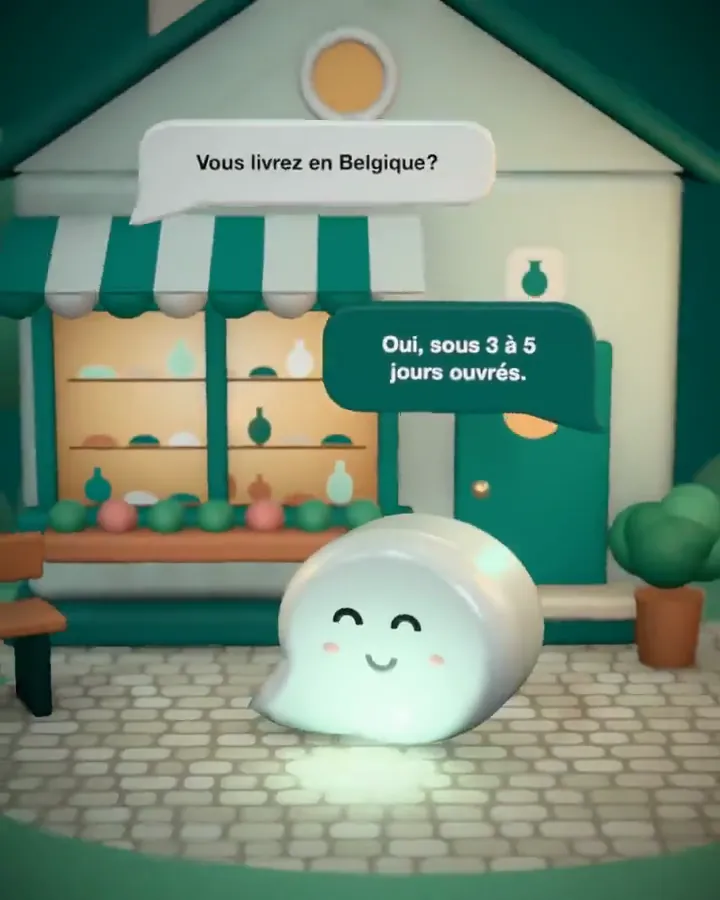
fait moi une vidéo sympa pour https://heeya.fr" c'est impressionant
どの作品も「動画ファイル」ではなく、Opus 5.5 が書いた HTML / JavaScript のアニメーションです。プロンプトさえあれば再現できます。
気になる作品を開いて「プロンプトをコピー」。一覧のカードからもワンクリックでコピーできます。
手軽に試すなら claude.ai でモデルに Opus 5.5 を選んで貼り付け。 本格的に作るなら空のフォルダで Claude Code を起動します。
mkdir my-video && cd my-video
claude --model claude-opus-5-5できた HTML をブラウザで開けば再生されます。「1 ファイルの HTML にして」「15 秒でループ」などを添えると安定します。 色・テキスト・尺を変えて自分だけの作品に。