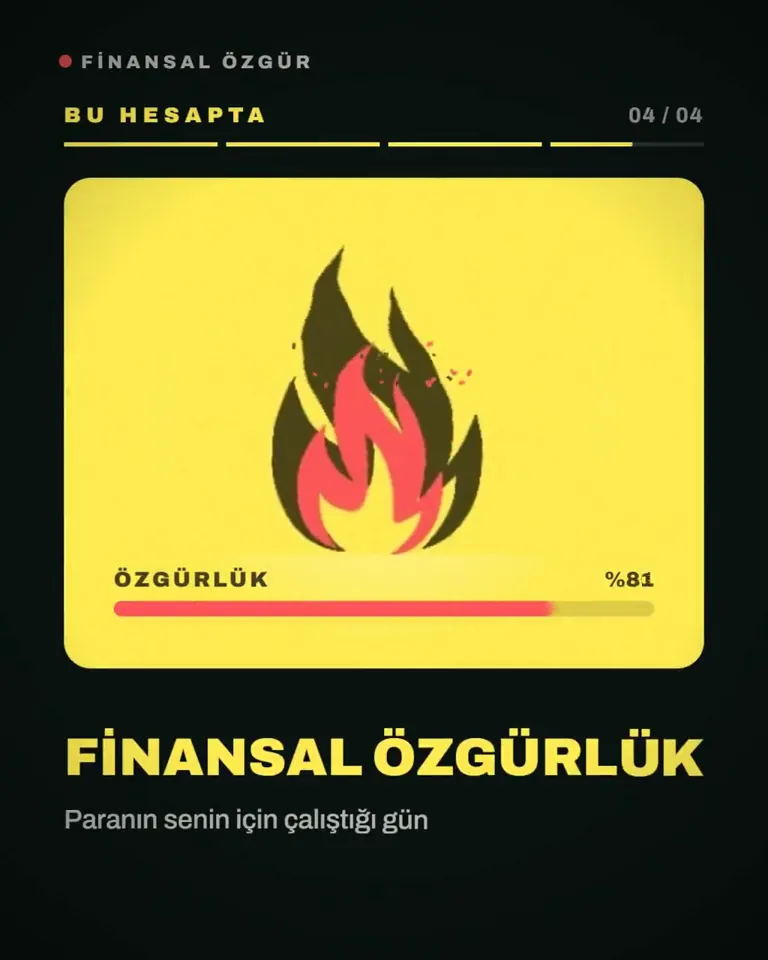
I want to know how good a graphic designer you are. To prove this to me, I want you to prepare a 15-second motion graphics video. I want you to do an introducti…
X で再生
動画:@AnnaCher___(X より公式埋め込み)
Analyze http://sprites.ai and build a product promo from our own UI, not generic components.

<direction>
Dribbble-level UI motion. One shape, never cut: every state is the same element morphing its size, radius and color while its content swaps with a short blur. A cursor drives every change with real clicks and drags. Warm-gray canvas, black and white components, one accent (#FD9543), Geist. Springs everywhere, a tiny overshoot at most. The camera zooms so each state fills the frame. Last frame = first frame, so it loops.
Banned: bouncy easing, particles, glows, gradients on UI chrome, mismatched icon strokes, dead time, anything that looks like a template.
</direction>

<structure>
120 BPM, 7 bars, something on every beat.
Connect ad account (Meta, Google, LinkedIn, TikTok, Reddit logos) → loader → check → prompt bar types "Launch ads that convert" → island "Researching 42 competitors" → Ads Library wall of real ads scrolls and lands on a top performer → approval card → Approve & launch → budget slider that stretches past max → Autopilot toggle → knob becomes a liquid tab indicator across channels → ROAS chart draws itself with hover tooltip → ⌘K → type "pause" → toast "Paused 3 losing ads" → back to the button.
</structure>

<build>
1. One HTML file, 1440x1440. Every style is computed inside seek(t): no CSS transitions, no timers, no state between frames.
2. Springs are closed-form step responses. A value that changes target many times is a sum of springs, so it stays a pure function of time.
3. Tab indicator and toggle knob: the two edges ride different springs, so the leading edge stretches ahead.
4. Drags are direct manipulation: while held, the value follows the cursor. On release it springs back from wherever it was.
5. No music. Synthesize UI sounds with numpy and place each one by its measured peak on the beat grid.
6. Render with Playwright: 4 subframes per frame, blended with ffmpeg tmix for motion blur at 60fps.
7. Render one frame per beat first. Fix anything off-grid, cramped or hard to read.
</build>

<gotchas>
No will-change on anything the camera scales. Swapped text needs its own enter/exit timing. Match the last frame to the first, cursor position and speed included, or the loop stutters.
</gotchas>

Show me the state list on the beat grid before writing any code.I want to know how good a graphic designer you are. To prove this to me, I want you to prepare a 15-second motion graphics video. I want you to do an introducti…
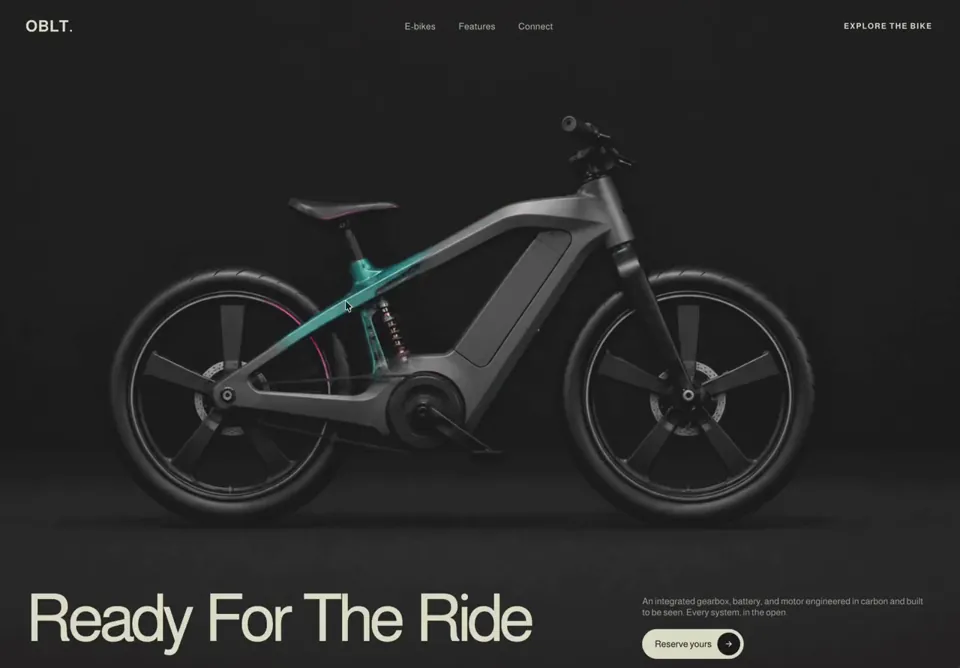
# OBLT E-bike Header A full-viewport, dark, cinematic e-bike product header for the brand **OBLT**, built in React (client component) with pure CSS and an inter…
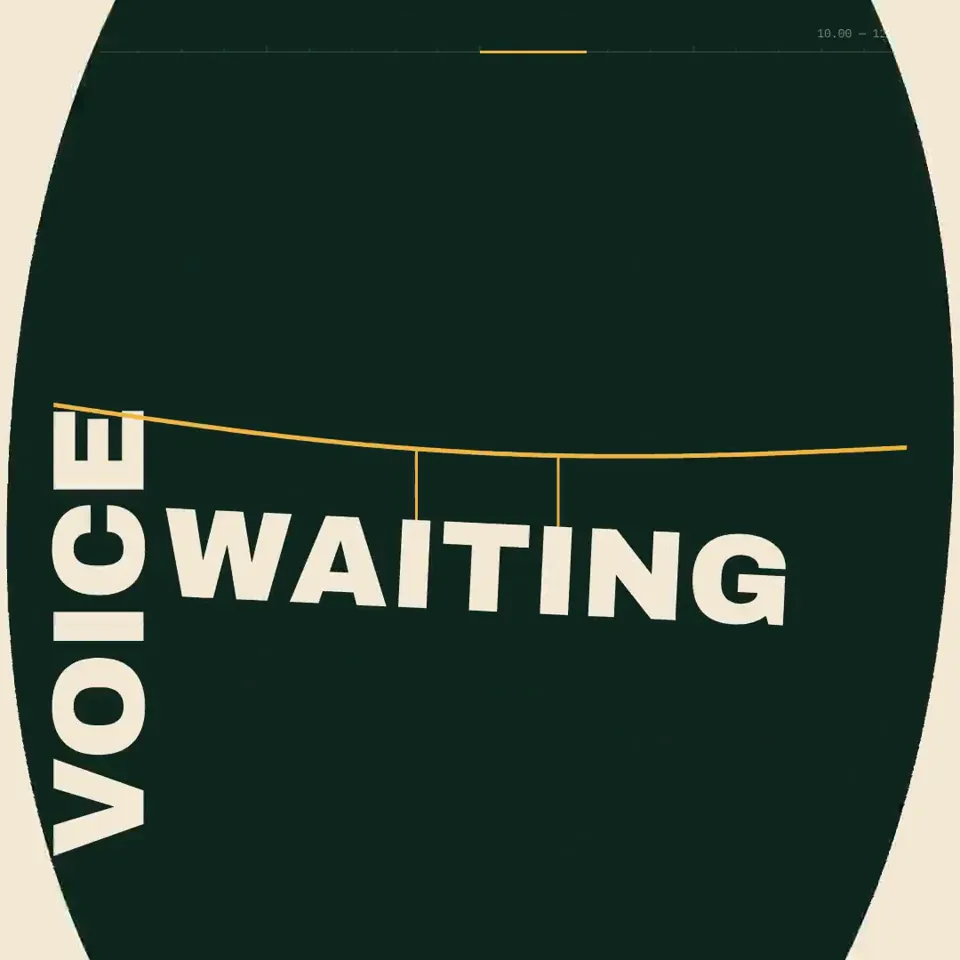
Create a 20.00-second kinetic spoken-word film titled “BUILD THE FLOOR.” Treat this as an original miniature speech staged entirely through typography. Every li…
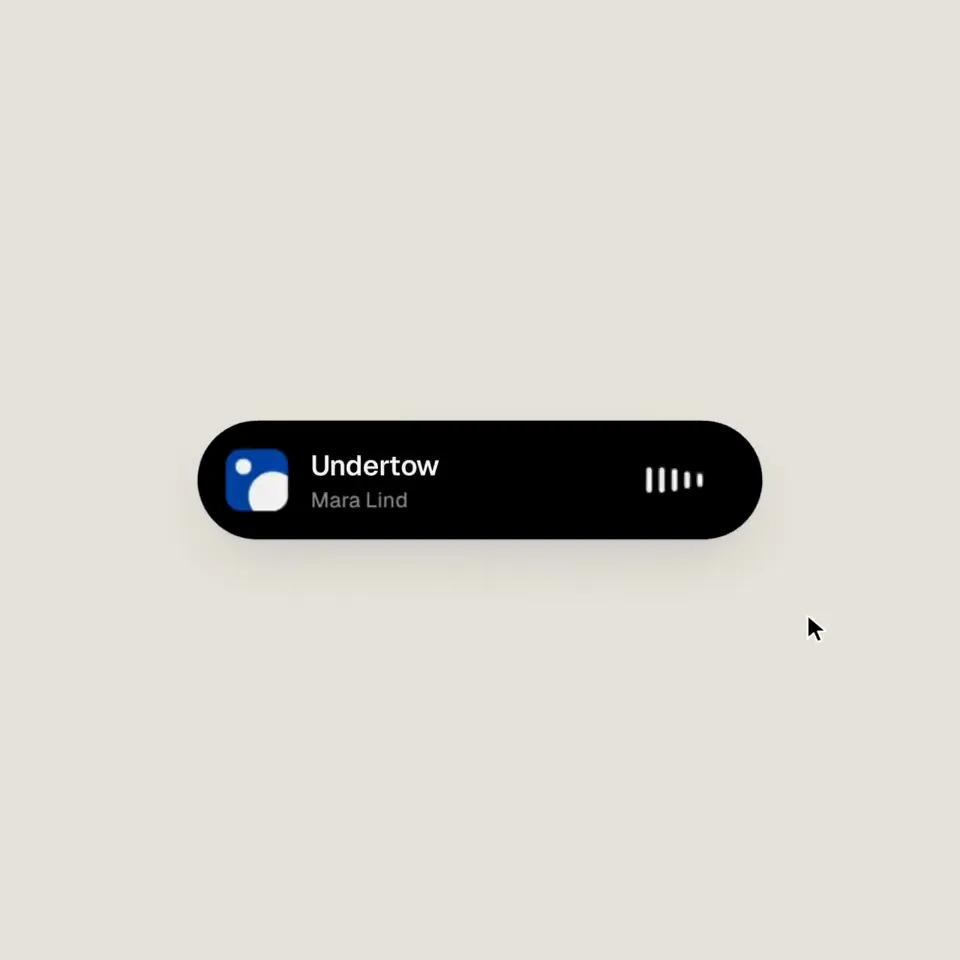
<inputs> Ask me for: 8 to 12 UI states I want the shape to become (e.g. button, loader, player, slider, toggle, tabs, chart, command palette, toast), pure black…
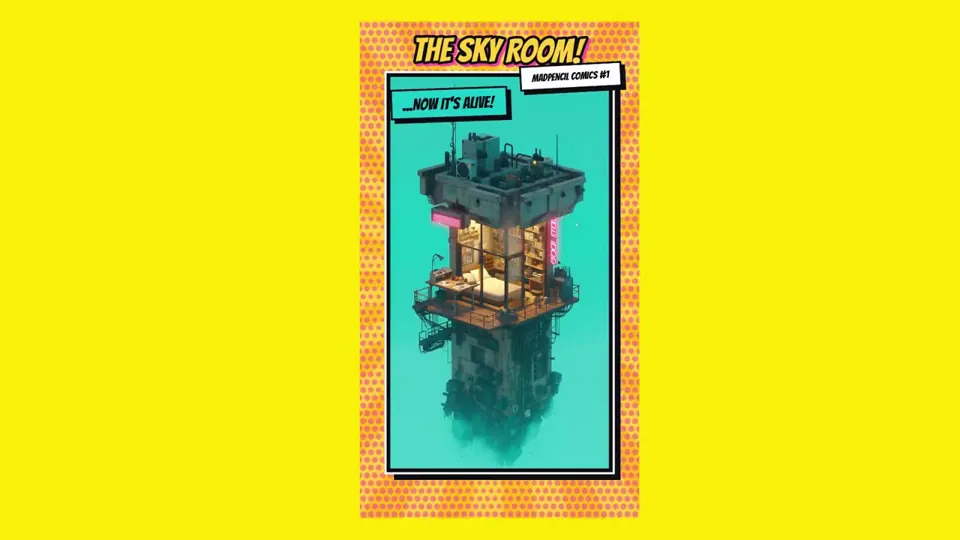
fun motion graphic, comic book style, 10s
make a dynamic 15-second motion graphics video that shows what an incredible motion designer you are, like it’s your showreel for a résumé. go all out. It shoul…
どの作品も「動画ファイル」ではなく、Opus 5.5 が書いた HTML / JavaScript のアニメーションです。プロンプトさえあれば再現できます。
気になる作品を開いて「プロンプトをコピー」。一覧のカードからもワンクリックでコピーできます。
手軽に試すなら claude.ai でモデルに Opus 5.5 を選んで貼り付け。 本格的に作るなら空のフォルダで Claude Code を起動します。
mkdir my-video && cd my-video
claude --model claude-opus-5-5できた HTML をブラウザで開けば再生されます。「1 ファイルの HTML にして」「15 秒でループ」などを添えると安定します。 色・テキスト・尺を変えて自分だけの作品に。