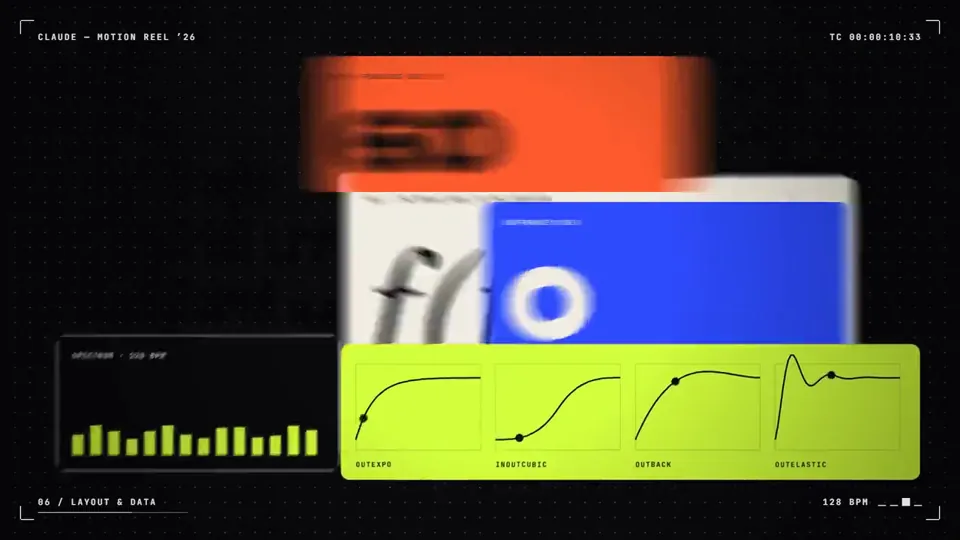
make a dynamic 15-second motion graphics video that shows what an incredible motion designer you are, like it's your showreel for a résumé. go all out.
X で再生
動画:@abhinayguptha(X より公式埋め込み)
Make a 20-second title sequence for a Netflix thriller that doesn't exist yet. Make it feel like it won an Emmy for main title design.make a dynamic 15-second motion graphics video that shows what an incredible motion designer you are, like it's your showreel for a résumé. go all out.

make a dynamic 20-second motion graphics and animation video that shows what an incredible motion designer and animator you are, like it's your showreel for a r…
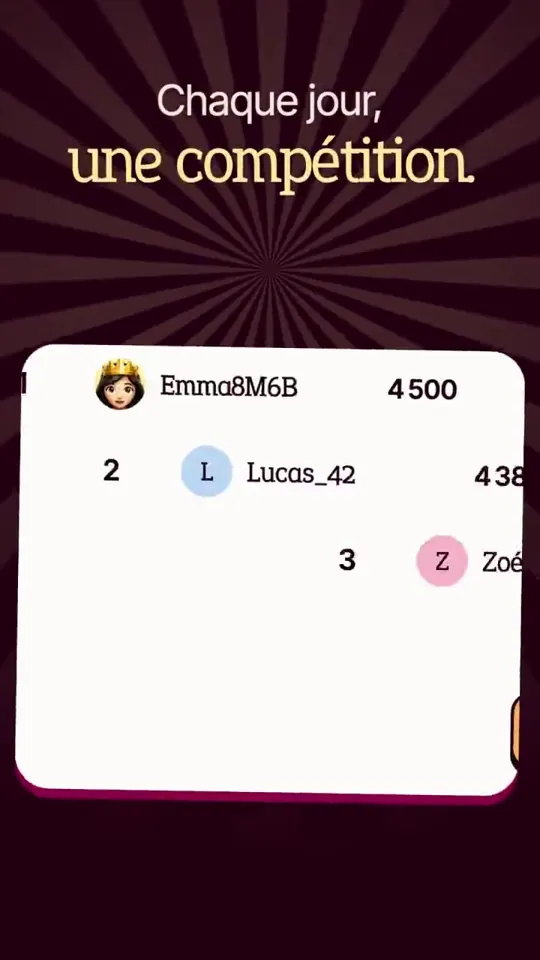
make a dynamic 15-second motion graphics video that shows what an incredible app Mentis is, like it's your showreel for a app launch. go all out. Make the text …

Create a product launch video for ocrX Android app.

You are a world-class motion designer doing a 20.00s kinetic identity bumper for TechHalla — an AI creator known for stealable workflows, not vibes. This piece …
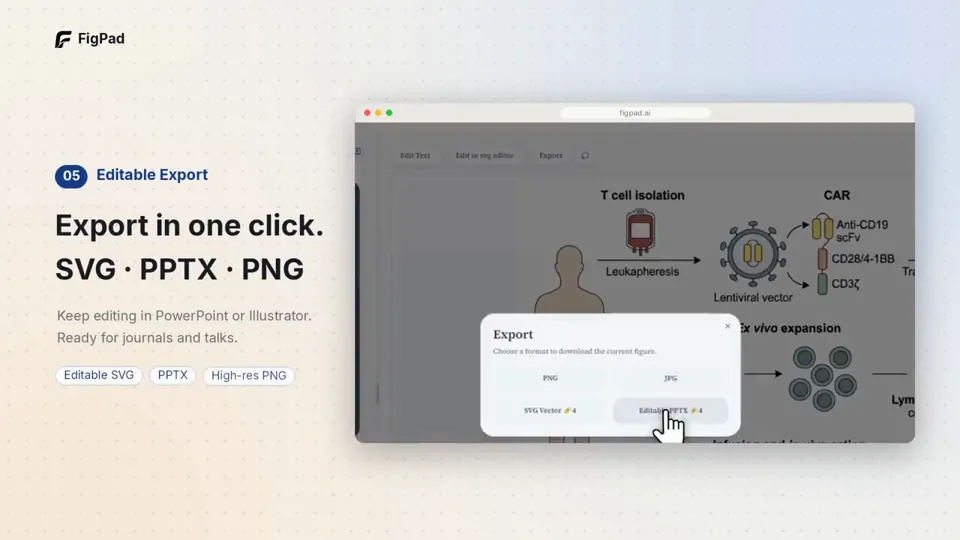
make a 1-min promo for this product from the codebase.
どの作品も「動画ファイル」ではなく、Opus 5.5 が書いた HTML / JavaScript のアニメーションです。プロンプトさえあれば再現できます。
気になる作品を開いて「プロンプトをコピー」。一覧のカードからもワンクリックでコピーできます。
手軽に試すなら claude.ai でモデルに Opus 5.5 を選んで貼り付け。 本格的に作るなら空のフォルダで Claude Code を起動します。
mkdir my-video && cd my-video
claude --model claude-opus-5-5できた HTML をブラウザで開けば再生されます。「1 ファイルの HTML にして」「15 秒でループ」などを添えると安定します。 色・テキスト・尺を変えて自分だけの作品に。